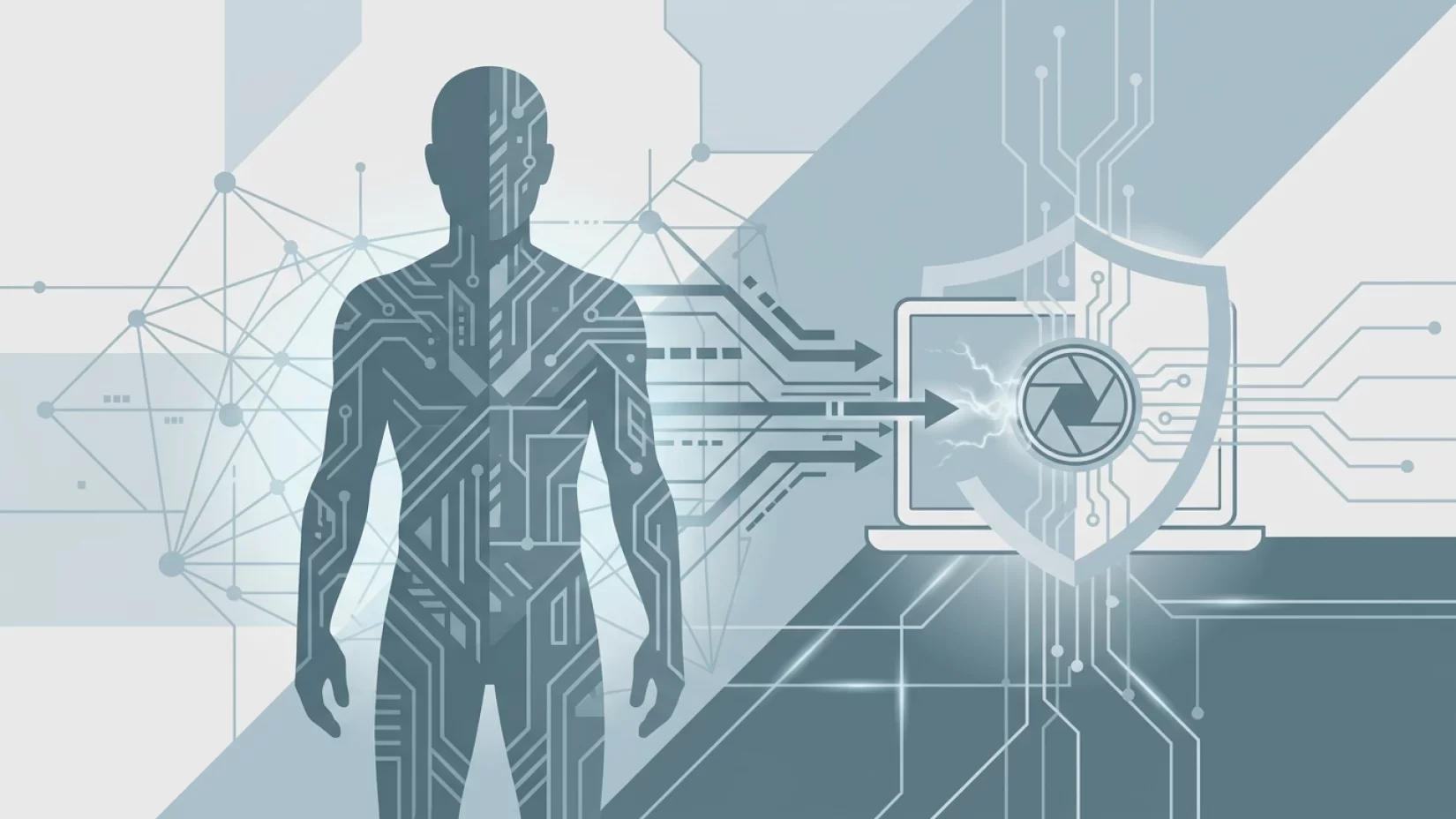
Imagine sitting at your desk, working on your laptop or scrolling through your phone, feeling completely alone. Now, consider this: someone could be watching you through your device’s camera — and you’d have no clue. No blinking light, no warning, just silent eyes on the other side of the screen. It sounds like a plot from a thriller, but it’s a real risk for millions of people worldwide. As our lives move increasingly online, the boundary between private and public has never been thinner. Knowing how hackers can access your camera remotely, and what you can do to block them, isn’t just a techie’s concern anymore — it’s basic self-defense in a connected world.
Remote Camera Hacking: Not Just a Movie Trope
For years, people have joked about putting tape over their laptop webcams. Some saw it as paranoia, others as a quirky habit. But research and real-world incidents have shown that remote camera hacking — sometimes called "camfecting" — is far from fiction. Hackers have found ways to turn on laptop and phone cameras without the indicator light ever coming on, making it possible to spy on people undetected.
Let’s break down what’s actually happening. Typically, webcams and phone cameras are designed to alert you when they’re active. That little green or white LED light next to your camera is supposed to be your line of defense. Unfortunately, malware (malicious software designed to damage or spy on your device) can bypass or disable this indicator, leaving users completely unaware their camera is running.
This isn’t just a theoretical risk or something that happens to celebrities. Security researchers have repeatedly proven it’s possible, and hackers have been caught doing it in the wild. Whether you use a MacBook, a Lenovo ThinkPad, or an iPhone, you could be at risk — especially if your device is a few years old or hasn’t been updated recently.
How Hackers Access Your Webcam or Phone Camera Remotely
So, how do hackers actually pull this off? The process usually starts with malware. This can arrive in all sorts of sneaky ways: a suspicious email attachment, a fake app, a compromised website, or even a seemingly innocent software update. Once installed, the malware gives a remote attacker the ability to control your camera — sometimes with a single click.
In some high-profile cases, like the 2013 MacBook incident, researchers showed that the camera’s firmware (the low-level software that controls hardware) could be altered so the indicator light never comes on, even when the camera is recording. More recently, in 2024, a security engineer demonstrated that a Lenovo ThinkPad X230 webcam could be activated without lighting up the LED, simply by tampering with the device’s firmware. And it’s not just laptops. The Predator malware, discovered in 2026, was able to bypass privacy indicators on iPhones, letting hackers use both the camera and microphone in total secrecy.
It’s worth noting that these aren’t isolated technical tricks. The vulnerabilities are real, and in some cases, they have not been fully patched. That means the risk remains for millions of users, especially those with older devices or those who haven’t kept up with security updates.
Why Millions Never Realize Their Camera Was Compromised
One of the most unsettling aspects of remote camera hacking is just how invisible it can be. Most people trust their device’s indicator light. If it’s not on, the camera must be off — right? Unfortunately, that’s not always true. Malware writers have become skilled at hiding their tracks, making it nearly impossible for the average user to notice anything is wrong.
Many victims only find out after the fact, often when hackers use stolen footage for blackmail or extortion. In other cases, people discover strange files on their computers, or notice their device is running slower than usual. But by then, the damage is often done. The emotional fallout — embarrassment, anxiety, and a lasting sense of violation — can be just as serious as any financial loss.
It’s easy to see why this happens. We’re all busy, juggling dozens of apps and notifications, trusting that the technology we use every day is looking out for us. But as these incidents show, that trust isn’t always justified.
Misconceptions That Put Users at Risk
- "If my camera light isn’t on, I’m safe." As we’ve seen, hackers can and do bypass indicator lights. Relying solely on the light is not enough.
- "Only high-profile targets need to worry." Everyday people are often targeted precisely because they’re less likely to suspect or recognize an attack.
- "Newer devices can’t be hacked this way." While newer models may have improved protections, no device is immune. Sophisticated malware like Predator has even targeted up-to-date iPhones.
Believing these myths creates a false sense of security — and that’s exactly what hackers want.
What Happens When Your Camera Is Hacked?
Let’s get concrete. If a hacker gains access to your camera, what’s the worst that could happen? Unfortunately, quite a lot:
- Personal privacy invasion: Hackers could watch you in your home, office, or anywhere you use your device. This can lead to a deep sense of violation and loss of control.
- Blackmail and extortion: Stolen images or videos may be used to threaten you, demanding money or personal information in exchange for not releasing the footage.
- Unauthorized surveillance: In some cases, hackers may simply watch and listen, gathering details about your life, habits, or work.
- Loss of trust: Even after removing the malware, many people find it hard to feel comfortable using their devices again.
These aren’t rare outcomes. There are documented cases of people being blackmailed after their webcams were hacked, and the stress and embarrassment can be overwhelming. For others, the simple knowledge that someone could have been watching is enough to create lasting anxiety.
Is Someone Watching Through My Webcam? Signs to Watch For
Unfortunately, there’s no foolproof way to know if your camera has been compromised, especially if the indicator light isn’t reliable. Still, there are a few warning signs to keep an eye out for:
- Strange files or recordings: Unfamiliar video files or photos appearing on your device could be a red flag.
- Camera activates unexpectedly: If your camera turns on or off by itself, or you notice the lens moving (on devices with mechanical shutters), be suspicious.
- Device running hot or slow: Malware often uses up system resources, making your device sluggish or causing it to heat up.
- Security software alerts: Warnings from your antivirus or anti-malware tools should never be ignored.
Keep in mind, though, that the most sophisticated attacks leave no visible traces. That’s why prevention matters more than detection.
Do Webcam Covers Actually Help?
Physical webcam covers — those little sliders or even just a piece of opaque tape — are a simple, low-tech defense. They can’t be hacked, and they guarantee that even if someone does gain remote access, they won’t see anything. It’s not a perfect solution (after all, you have to remember to use it), but it’s a strong first line of defense.
Some people worry that covering the camera could damage the device or interfere with sensors. For most laptops and phones, a thin piece of tape or a purpose-made cover won’t cause problems, but it’s smart to avoid anything bulky or sticky that could leave residue. And remember, a camera cover doesn’t protect your microphone — hackers can still listen in if they gain access.
Five Steps That Actually Reduce Your Risk
- Use a physical camera cover. Tape, a sliding cover, or even a sticky note — anything that physically blocks the lens when you’re not using it.
- Keep your software and firmware updated. Manufacturers regularly release updates to patch security holes. Set your devices to update automatically if possible, and don’t ignore update prompts.
- Review app permissions. Check which apps have access to your camera and microphone. On both phones and laptops, revoke permissions for any app you don’t fully trust or use regularly.
- Install reputable security software. Antivirus and anti-malware tools can catch known threats before they do damage. Stick with well-known brands and keep them up to date.
- Be skeptical of suspicious links and downloads. Most malware gets in through user action — opening a shady email attachment, downloading a fake app, or clicking a malicious link. When in doubt, don’t click.
None of these steps are foolproof on their own, but together, they dramatically reduce your risk. The goal isn’t to become paranoid — it’s to be prepared.
Why Device Age and Updates Matter
Older devices are often more vulnerable, simply because manufacturers stop pushing out security updates after a certain point. The 2013 MacBook and 2024 Lenovo ThinkPad X230 incidents both involved older hardware with unpatched vulnerabilities. If you’re still using a laptop or phone that’s more than five years old, it’s time to seriously consider upgrading — especially if you use it for sensitive tasks like online banking or work meetings.
That said, even new devices aren’t immune. The Predator malware proved that even the latest iPhones can be compromised if attackers are motivated and skilled enough. Updates are crucial, but they’re not a magic shield.
Broader Implications: Privacy, Trust, and Responsibility
It’s tempting to blame users for getting hacked, but the bigger problem is often on the manufacturer’s side. Companies that fail to patch known vulnerabilities or design cameras with reliable, hardware-based indicators are putting their customers at risk. It’s not acceptable — and as consumers, we deserve better.
At the same time, each of us has a role to play. Just as you lock your doors at night, you need to take basic steps to protect your digital life. That doesn’t mean living in fear or taping over every sensor you see. It means being aware, staying updated, and not trusting that a tiny light is all that stands between you and someone else’s prying eyes.
Remote camera hacking isn’t going away. But with a little knowledge and a few practical steps, you can take back control — and keep your private life truly private.