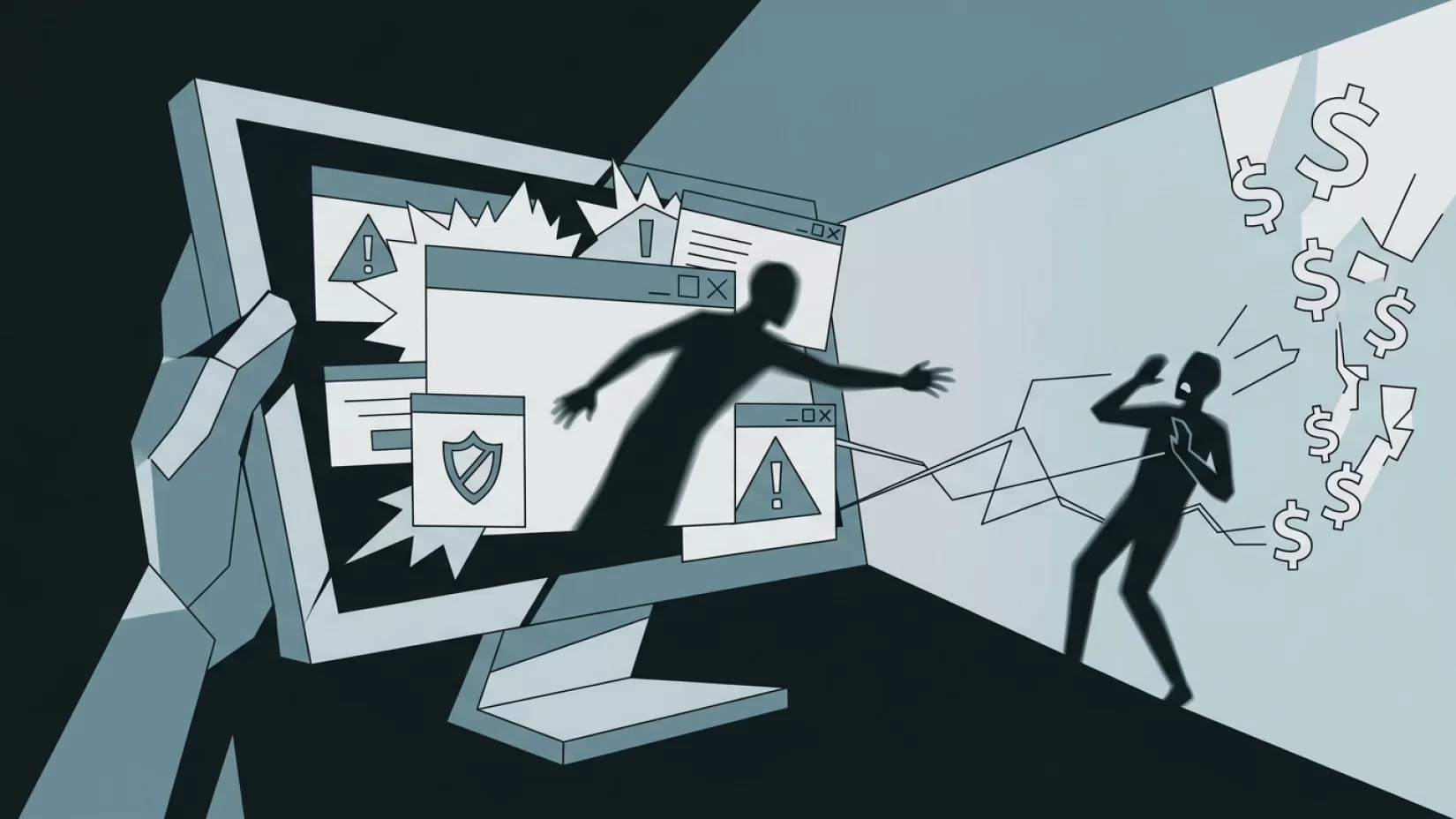
If you’ve ever had a loud, alarming pop-up take over your screen claiming your computer is infected — or if you’ve received a phone call out of the blue from someone saying they’re from Microsoft or Apple tech support — you’re not alone. These fake tech support scams are more common, more convincing, and more damaging than most people realize. The numbers are staggering: in 2023 alone, U.S. victims lost over $1.3 billion to these scams. But the real pain goes beyond the money. Victims often feel embarrassed, stressed, and anxious, sometimes losing trust in technology altogether. What’s worse, the scammers are getting better at what they do, using AI and clever tricks to fool even the cautious. Understanding how these scams work, and knowing exactly what to do when you’re targeted, can make the difference between a close call and a devastating loss. Let’s break down how these scams operate, why they’re so effective, and what you can do to protect yourself and those you care about.
Why Fake Tech Support Scams Are Still Everywhere
Despite years of warnings, fake tech support scams haven’t gone away — they’ve evolved. Scammers know how to push your buttons, using fear, urgency, and even flattery to get what they want. The scams target all kinds of devices: Windows PCs, Macs, smartphones, tablets, and even smart TVs. They don’t discriminate, but older adults are especially vulnerable, often because they’re less familiar with digital tricks or may be more trusting of authority figures. The scammers’ goal is simple: convince you there’s a problem with your device, then get you to pay for a fake fix or, worse, steal your money and personal information.
Step-By-Step: How the Scam Unfolds
Let’s walk through the two most common versions of this scam — pop-up attacks and cold calls — so you’ll recognize them if they happen to you or someone you know.
- It starts with fear. You might be browsing the web when, suddenly, a pop-up appears. It’s loud, alarming, and claims your computer is infected with a virus or has been hacked. There may be a robotic voice, flashing warnings, and a phone number to call "Microsoft Support" or "Apple Security." Or, you might get a phone call from someone who says they’ve detected a problem with your device — sometimes even spoofing the caller ID to look like a real company.
- They create urgency. The pop-up or caller insists your device is at risk, your files are about to be stolen, or your bank accounts are vulnerable. They’ll say you must act immediately or face dire consequences. The goal is to get you to panic and stop thinking clearly.
- They offer a solution — at a price. The scammer tells you they can fix the problem if you follow their instructions. They may ask you to download remote access software (like TeamViewer or AnyDesk), which gives them control of your device. Or they’ll ask for your login credentials. Sometimes, they’ll guide you through fake diagnostic steps that "prove" your device is compromised.
- The real scam begins. Once they have access, they may show you fake error logs, install malware, or lock you out of your own device. Then comes the ask: pay for a "security service," buy unnecessary software, or transfer money to "protect your account." In many cases, they’ll try to access your online banking while you watch.
- They cover their tracks. After getting your money or personal details, scammers may delete evidence, install backdoors for future attacks, or simply disappear. Victims are often left confused, embarrassed, and unsure what just happened.
Why Millions of Users Never Realize Their Data Was Exposed
Many victims don’t even realize they’ve been scammed until much later. Some think they paid for a real service. Others notice strange charges on their credit card, or find their bank accounts drained days or weeks after the incident. Because the scam feels so official, people often don’t question it — especially if the pop-up uses real company logos or the caller sounds knowledgeable and polite.
Scammers rely on this confusion. They know most people aren’t tech experts, and they exploit common misconceptions:
- "If there’s a problem, Microsoft or Apple will call me." (They won’t. Legitimate tech companies never call out of the blue.)
- "Pop-ups with company logos are real warnings." (Scammers can copy any logo or design.)
- "If someone knows my name or device type, they must be legitimate." (Basic information is easy for scammers to find or guess.)
What Makes These Scams So Convincing?
A few things make today’s tech support scams especially effective:
- Realistic pop-ups and alerts. Scammers use graphics, logos, and language that mimic real security warnings. Some even use AI to generate convincing voices or chat responses.
- Caller ID spoofing. It’s easy for scammers to make their calls appear as if they’re coming from legitimate numbers, including those of real tech companies.
- Social engineering. This is the art of manipulating people. Scammers use urgency, fear, and authority to get you to act quickly and skip rational thinking.
- Technical tricks. Some pop-ups can actually freeze your browser or device, making it feel like your computer is truly broken — increasing the pressure to call for help.
Who Is Most At Risk?
While anyone can fall for these scams, certain groups are targeted more often. Older adults are frequent victims, partly because scammers assume they may be less familiar with digital security. People who are less comfortable with technology, or who live alone, may also be more likely to trust a supposed authority figure. But don’t assume you’re immune if you’re younger or tech-savvy — scammers have fooled IT professionals, too.
If you have friends or relatives who might be at risk, especially those who are less confident with computers or smartphones, it’s worth having a conversation about these scams. Prevention is much easier than recovery.
Common Misconceptions That Put You In Danger
A lot of people believe myths that actually make them more vulnerable to tech support scams. Let’s clear up a few:
- "All pop-ups warning about viruses are legitimate." In reality, almost no major tech company uses pop-ups to warn you about security issues. Most pop-up warnings are scams.
- "Tech support will call me if something is wrong with my device." Microsoft, Apple, and other legitimate companies do not make unsolicited calls to fix your device. If someone calls you first, it’s almost certainly a scam.
- "It’s safe to give remote access if the person seems professional." No matter how polite or convincing they sound, never give remote access unless you initiated the contact with a trusted company.
- "If the pop-up has my name or device info, it must be real." Scammers can use basic web tricks to display your IP address, location, or device type. It’s not proof of legitimacy.
What Really Happens If You Fall For It?
The consequences of falling for a fake tech support scam can be severe. Financial losses are the most obvious — the average victim loses nearly $25,000, according to recent reports. But there are other costs, too:
- Identity theft. If you’ve given out personal information, scammers may open new accounts or commit fraud in your name.
- Ongoing access. If you installed remote access software, scammers may continue to monitor your device or steal more information later.
- Malware infection. Some scammers install malicious software that can steal passwords, track your activity, or lock your files for ransom.
- Emotional impact. Many victims feel embarrassed, anxious, or fearful about using their devices again. Some lose trust in online banking or shopping, which can disrupt daily life.
It’s important to remember: if you’ve been scammed, you’re not alone, and you’re not to blame. These scams are designed to manipulate and confuse. Recovery is possible, and there are steps you can take to protect yourself going forward.
Five Steps That Actually Reduce Your Risk
If you want to protect yourself — and your loved ones — from fake tech support scams, here’s what actually works:
- Never call phone numbers from pop-ups. If a pop-up tells you to call a number, close your browser or restart your device. Don’t engage. If you’re unsure, look up the official support number for your device manufacturer.
- Don’t trust unsolicited calls. If someone calls claiming to be from tech support, hang up. If you think it might be real, call the company’s official support number using a trusted source (like the number on their website or your device’s packaging).
- Don’t give remote access to anyone you didn’t contact first. Remote access is like handing someone your house keys. Only do this with a trusted support technician you contacted yourself.
- Keep your device and software updated. Regular updates patch security holes that scammers might exploit. Enable automatic updates if possible.
- Talk to friends and family. Share what you’ve learned. Many victims are older adults or people who don’t spend much time online. A quick conversation can prevent a lot of heartache.
If you think you’ve been targeted or scammed, act quickly:
- Disconnect your device from the internet.
- Change your passwords, especially for banking and email accounts.
- Contact your bank or credit card company to report possible fraud.
- Run a trusted antivirus scan or seek help from a legitimate tech professional.
- Report the incident to authorities, such as the FTC or the FBI’s Internet Crime Complaint Center.
What Companies and Regulators Are (and Aren’t) Doing
There’s some good news: regulators are starting to crack down harder on tech support scams. The U.S. Federal Trade Commission (FTC) recently updated its Telemarketing Sales Rule to cover tech support scams, giving it more power to go after bad actors. But these scams are global, and enforcement is a constant game of whack-a-mole. Tech companies like Microsoft and Apple have made it clear: they do not contact users unsolicited. Unfortunately, scammers are still able to mimic these companies with alarming accuracy, and there’s no single fix that will make the problem disappear.
Some browsers and security software now warn users about suspicious pop-ups, but these tools aren’t perfect. The best defense is still awareness and skepticism.
Why Awareness Beats Any Security Tool
It’s tempting to hope for a magic app or setting that will block all scams. Sadly, no such tool exists — and anyone who claims otherwise isn’t being honest. Scammers constantly adapt, using new tricks and technologies to get around security barriers. That’s why education and vigilance matter most. A healthy dose of skepticism is your best friend online. If something feels off — a pop-up, a call, an urgent message — trust your instincts and pause before taking action.
Remember: you’re not expected to be a digital security expert. But by understanding how these scams work and sharing that knowledge with others, you can shut down the fraud before it starts. Protecting yourself is about confidence, not fear.
Final Thoughts: You’re Not Alone, and You Can Fight Back
Fake tech support scams aren’t going away anytime soon. They’re too profitable, too easy to run, and too good at catching people off guard. But you’re not powerless. By knowing the warning signs, refusing to give up control of your device or your money, and talking about these scams with others, you can protect yourself and help others stay safe. If you or someone you know has been targeted, don’t stay silent — report it, recover, and remember: the scammer is to blame, not you. Stay skeptical, stay informed, and keep your confidence online.