If you’ve ever had that sinking feeling after discovering a strange login notification or a message you didn’t send, you’re not alone. Your email account is more than just a place for newsletters and family updates—it’s the master key to nearly every digital door you own. From your bank to your social media, and even your shopping accounts, most services use your email to verify your identity and reset passwords. When someone else gets into your inbox, they can often get into everything else, too. That’s why email security isn’t just a tech issue—it’s a personal safety issue, and it affects millions of people every year.
Recent attacks have shown just how creative and relentless hackers can be. They’re not just targeting big companies or government officials; they’re after everyday people, using everything from clever phishing emails to sneaky software exploits. And while email providers work hard to patch vulnerabilities, attackers are always searching for new ways in. The consequences? Identity theft, drained bank accounts, and the stress of trying to reclaim your online life. If you’ve ever wondered “Is my email really that important?” or “How do I actually protect it?”—you’re asking the right questions. Let’s break down what’s at stake, how attackers get in, and the steps that truly make a difference.
Why Your Email Is the Master Key to Your Digital Life
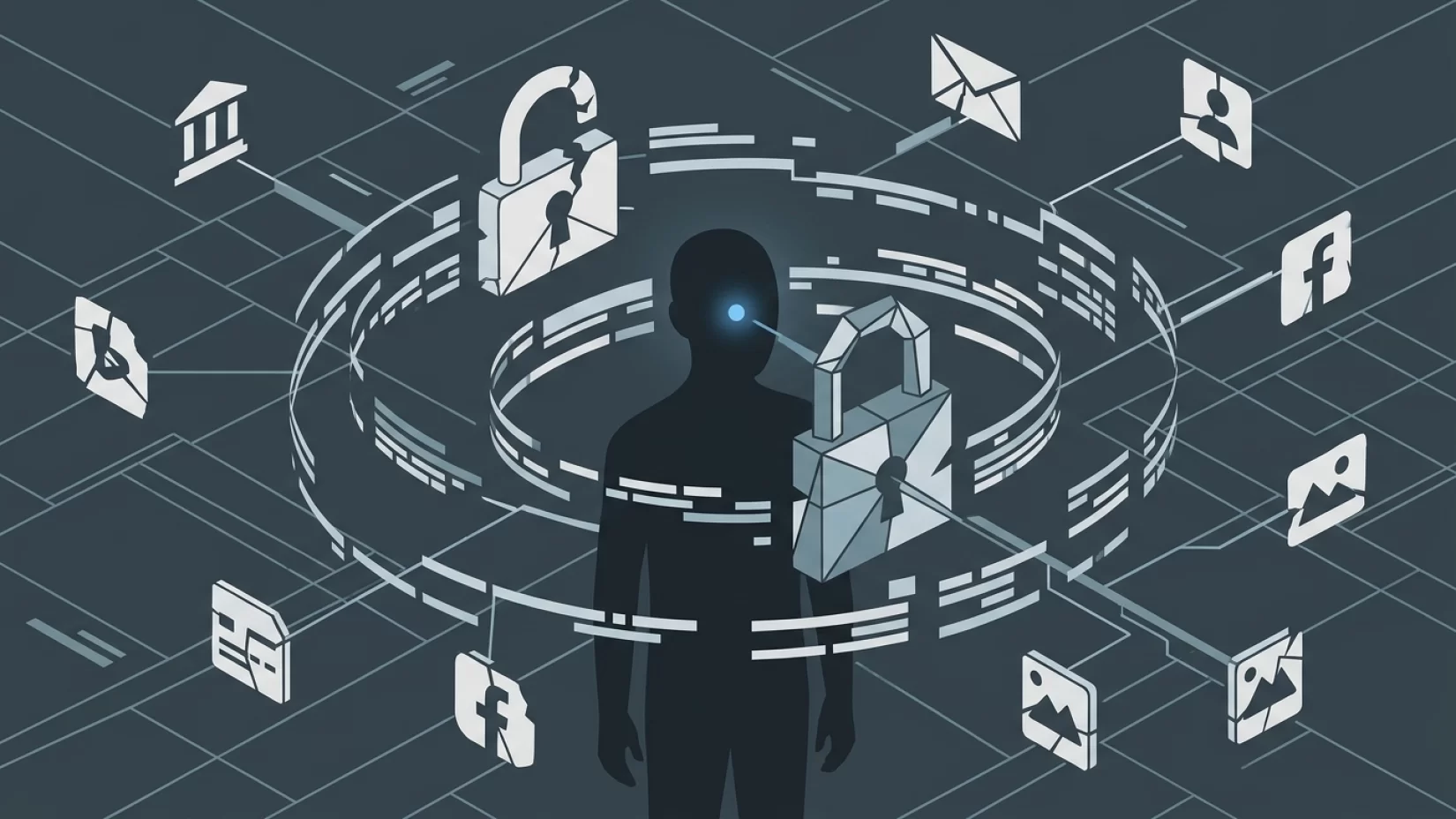
Think about how often you use your email address to sign up for new accounts or reset forgotten passwords. Banks, shopping sites, streaming services, social media—almost every online service relies on your email for account recovery. If someone gains access to your email, they can often request password resets for your other accounts. The attacker doesn’t need to know your banking password; they just need to control your inbox, and suddenly, they can lock you out of your own accounts while helping themselves to your information or money.
It’s not just about money, either. Personal emails can contain sensitive conversations, private photos, and confidential documents. For many people, losing control of their email feels like losing control of their identity.
How Hackers Actually Get Into Email Accounts
Attackers use several proven methods to break into email accounts. Understanding these tactics is the first step to stopping them.
- Phishing: This is the most common method. You receive an email that looks legitimate—maybe it claims to be from your bank or your email provider—asking you to click a link or enter your password. The link leads to a fake site designed to steal your login details. These emails can be surprisingly convincing, often using real company logos and urgent language.
- Password Reuse: Many people use the same password across multiple sites. If one site gets hacked (even a small or obscure one), attackers try that stolen password on your email. If it works, they’re in.
- Weak Passwords: Short, simple, or common passwords (like "password123" or your pet’s name) are easy for attackers to guess using automated tools.
- Malware: Malicious software (malware) can be installed on your device through suspicious downloads or unsafe websites. Some types of malware are designed specifically to record your keystrokes or steal your saved passwords.
- Security Flaws: Sometimes, attackers exploit vulnerabilities in email services or apps. In 2024, for example, hackers took advantage of a bug in a popular webmail application to access sensitive government emails. While these incidents are less common for individuals, they show that even well-protected systems aren’t immune.
Attackers often combine these methods—sending phishing emails that also try to install malware, or using breached passwords to target specific users.
Why Millions of Users Never Realize Their Data Was Exposed
One of the most unsettling aspects of email hacking is that victims often don’t realize what’s happened until it’s too late. Attackers are getting better at covering their tracks. They might set up email forwarding rules, so copies of your messages go to them without you noticing. Or they’ll delete the notifications that would alert you to suspicious activity.
Sometimes, the first sign is a password reset email from another service—or worse, being locked out of your bank or social media account. In other cases, you might only find out when friends mention receiving strange messages from you, or when you spot unauthorized charges on your accounts. By then, the attacker may have already done significant damage.
Common Myths That Leave Email Accounts Vulnerable
- "My password is strong, so I’m safe even if I use it everywhere." Unfortunately, even the strongest password is useless if it’s exposed in a breach on another website. Attackers routinely try stolen passwords on popular email services. Unique passwords for each account are essential.
- "Multi-factor authentication is too complicated or only for businesses." Many people skip this step, thinking it’s unnecessary or difficult. In reality, enabling multi-factor authentication (MFA) is one of the most effective ways to protect your email, and most providers make it surprisingly simple.
- "I can spot every phishing email." Phishing attacks have become much more sophisticated. Even tech-savvy users get tricked. Relying on your instincts alone isn’t enough.
- "If my account was hacked, I’d know right away." As mentioned earlier, attackers often hide their activity. A lack of obvious signs doesn’t mean you’re safe.
What Really Happens When Your Email Gets Hacked
Let’s walk through a realistic scenario. Imagine you click on a link in what looks like a legitimate message from your email provider. It asks you to sign in. You enter your password, not realizing the site is fake.
Within minutes, the attacker logs into your real email account. They start by changing your password, locking you out. Next, they request password resets for your bank, shopping, and social media accounts—using your inbox to intercept the reset links. They might set up forwarding rules so they keep getting your emails, even if you regain access. In the meantime, they comb through your inbox for anything valuable: personal details, financial info, or even private conversations they can use for blackmail or scams.
For many victims, the aftermath is overwhelming. There’s the stress of trying to recover accounts, the embarrassment if friends or colleagues receive scam messages, and the anxiety over what personal information might now be in the wrong hands. Even after regaining control, the sense of security is often shaken.
Recognizing the Signs: Is Your Email Account at Risk?
Some warning signs are obvious, while others are easy to miss. Watch for:
- Login alerts or notifications from locations or devices you don’t recognize
- Password reset emails you didn’t request
- Contacts telling you they received strange emails from your address
- Missing emails or messages moved to unexpected folders
- New forwarding or filtering rules you didn’t set up
If you spot any of these, act quickly. The sooner you respond, the better your chances of minimizing damage.
Five Steps That Actually Reduce Your Risk
- Create a unique, strong password for your email account. Avoid names, birthdays, or common words. Use a mix of letters, numbers, and symbols. If you’re worried about forgetting it, use a reputable password manager to generate and store unique passwords for every account.
- Enable multi-factor authentication (MFA). This adds a second step—like a code sent to your phone or generated by an app—before anyone can log in. Even if someone steals your password, they can’t get in without this extra code. Most major email providers (like Gmail, Outlook, and Yahoo) offer MFA in their security settings, and setup usually takes just a few minutes.
- Stay alert for phishing attempts. Be cautious with emails asking you to click links or enter your password, especially if they claim to be urgent. Check the sender’s address carefully, and when in doubt, go directly to the website instead of clicking links in the message.
- Regularly review your account activity. Most email services let you see recent logins and devices. If you spot anything unfamiliar, change your password immediately and review your security settings.
- Keep your devices secure. Install updates promptly, use antivirus software, and avoid downloading apps or attachments from unknown sources. Malware on your device can steal your email credentials even if your password is strong.
Enabling Multi-Factor Authentication Isn’t as Hard as You Think
Many people skip MFA because they assume it’s too technical or inconvenient. In reality, most email providers have made the process straightforward. For example, Gmail allows you to set up MFA using your smartphone in just a few steps. Outlook and Yahoo offer similar options. Usually, you’ll be prompted to enter your phone number or install an authentication app. After setup, logging in requires your password and a temporary code sent to your phone or generated by the app.
Yes, it’s one more step—but it’s a step that blocks the vast majority of attacks. Attackers who steal your password still can’t get in without the second factor. It’s worth the extra 30 seconds, especially when you consider the alternative.
What To Do If Your Email Account Is Already Compromised
If you suspect your email has been hacked, don’t panic—but do act quickly:
- Try to regain access immediately. Use the account recovery options (usually found on the sign-in page) to reset your password. If you’re locked out, follow the provider’s instructions for account recovery.
- Change your password and enable MFA as soon as you’re back in. Make sure your new password is strong and unique.
- Check your account settings. Look for unfamiliar forwarding addresses, filters, or recovery email changes. Remove anything you didn’t set up.
- Review your other accounts. If your email was used to reset passwords elsewhere, change those passwords too—especially for banking, shopping, and social media.
- Alert your contacts. Let friends and colleagues know your account was compromised, so they can ignore suspicious messages.
- Monitor your accounts for unusual activity. Watch for unauthorized transactions, messages, or logins. Report any fraud to your bank or relevant service provider.
It’s a hassle, but taking these steps quickly can limit the damage and help you regain control.
Bigger Picture: Why Email Security Is Everyone’s Responsibility
It’s easy to blame the big tech companies for not doing enough, and yes, they sometimes fall short—especially when they prioritize convenience over security or make it difficult for users to find important settings. But the reality is, no system is perfect. Attackers are constantly adapting, and even the best security features can’t protect you if they’re not turned on.
Email providers do their part by patching vulnerabilities and offering tools like MFA, but it’s up to each of us to use those tools. Treat your email account like the digital passport it is. A few simple habits—unique passwords, MFA, and a healthy dose of skepticism—can make all the difference.
By taking these steps, you’re not just protecting yourself. You’re also protecting your friends, family, and colleagues from scams that might use your account as a launching pad. In today’s world, digital security is a shared responsibility.
Final Thoughts: Confidence, Not Fear
Email security doesn’t have to be overwhelming. Yes, the risks are real, and yes, attackers are persistent. But with the right steps, you can lock down your account and sleep easier at night. Don’t wait for a scare to make changes—start now, and encourage others to do the same. You deserve to be the only one holding the keys to your digital life.