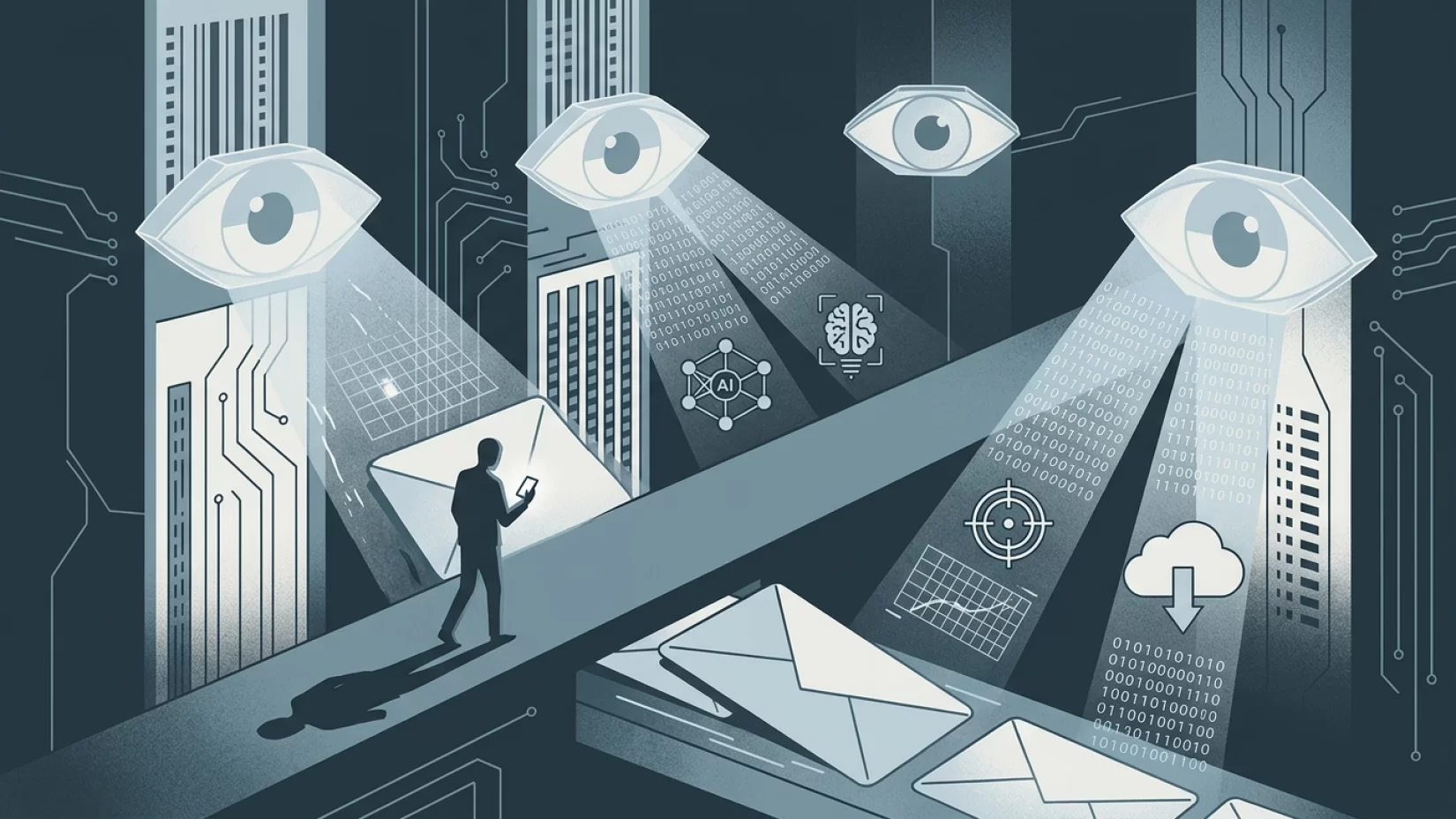
Think for a moment about what’s in your email inbox. Old conversations with friends, receipts from online shopping, bank notifications, doctor’s appointment reminders, maybe even a password reset or two. For most of us, email is the digital equivalent of a cluttered desk drawer: it holds bits and pieces of our personal and professional lives, often for years. That’s why the question of who can look inside — and what they do with what they find — really matters. As email providers like Gmail and Outlook roll out more AI-powered features, the line between helpful automation and intrusive data mining can start to blur. If you’re wondering whether your free email service is reading your messages, using them for advertising, or even training AI models with your private conversations, you’re not alone. Let’s dig into what’s actually happening behind the scenes, what’s at stake for you, and what you can do to keep your inbox as private as possible.
What Actually Happens When You Send or Receive an Email?
When you hit send, your email doesn’t just travel from your device to the recipient’s inbox untouched. Free email services like Gmail and Outlook automatically scan messages as they pass through their servers. This scanning isn’t some secret operation — it’s built into how these services work. The primary reasons are straightforward: filtering out spam, detecting malware (malicious software), and powering features like smart replies or automatic sorting.
For example, if you get a message with a suspicious link, Gmail’s system might flag it and warn you. Similarly, if someone tries to send you a known virus, Outlook will try to block it before it ever hits your inbox. These protections rely on automated systems that read at least parts of your messages, looking for patterns or dangerous content.
But here’s where things get complicated. The same technology that keeps you safe from spam is also the foundation for more advanced features — like AI-powered summaries, priority inboxes, and smart suggestions. These tools need to analyze your emails to work, which means more of your inbox is being processed by algorithms than ever before.
Gmail’s ‘AI Inbox’: Convenience Meets Controversy
In January 2026, Google introduced the ‘AI Inbox’ for Gmail. This feature uses artificial intelligence to summarize your most important messages, highlight key contacts, and even suggest actions you might want to take. On paper, it sounds great — who wouldn’t want help cutting through the clutter?
But to make these features possible, Gmail’s systems need to scan and analyze the content of your emails. That means your messages are being read (by machines, not humans) to determine what’s important, what’s spam, and what could be summarized or flagged for your attention. For many users, this raises a red flag: how much of my private life is being sifted through, and for what purpose?
Google has publicly stated that it does not use Gmail content to train its Gemini AI model. So, your emails aren’t being fed into Google’s next big AI chatbot. However, they are being analyzed to power the smart features you see in your inbox. If you use Gmail’s AI Inbox, you’re trading some privacy for convenience — whether you realize it or not.
Does Gmail or Outlook Use Your Emails for Advertising or AI Training?
This is one of the most common — and most misunderstood — questions about free email providers. Let’s clear it up:
- Advertising: Google used to scan Gmail messages for advertising purposes, but this practice officially ended in 2017. Today, Google says it does not use the content of your emails to target ads. Ads you see in Gmail are based on other factors, like your general account activity, search history, or YouTube usage — but not the actual words in your emails.
- AI Training: According to Google, Gmail content is not used to train its Gemini AI model. This is a direct response to widespread concerns about private messages being used to teach AI systems how to talk, write, or make decisions. Microsoft, which runs Outlook, also states that the contents of your inbox are not used to train their public AI models.
However, both Gmail and Outlook do scan your messages for spam, malware, and to enable features like smart replies or sorting. This scanning is automated and is supposed to be used only for these specific purposes. If you use ‘smart’ features, your messages are being processed more deeply to make those features work.
Why Millions of Users Never Realize Their Data Was Accessed
Most people never notice when their email is being scanned. The process is invisible, automatic, and — for the most part — harmless on the surface. You don’t get a notification saying, “We just scanned your email about your doctor’s appointment.” Instead, you might just see a suggested reply or a highlighted message in your AI Inbox.
This invisibility is part of the problem. Because scanning happens in the background, many users assume their emails are totally private, unless they’ve been hacked. In reality, your provider has access to the contents of your inbox, and this access is used to power both security features and smart tools. The line between helpful and intrusive isn’t always clear, and most people don’t realize how much data is being processed — or how to limit it.
Common Misconceptions About Email Privacy
- "If I disable AI features, my emails are 100% private." Not quite. Disabling smart features in Gmail or Outlook will limit how much of your data is used for things like summaries or suggestions, but your messages are still scanned for spam and malware. There’s no way to completely stop all scanning, unless you switch to a provider that doesn’t do it (which is rare among free services).
- "All providers use my data for advertising and AI training." This is outdated. Google and Microsoft both say they don’t use email contents for ad targeting or to train their public AI models. However, they do use the data for service improvements and smart features.
- "Only hackers or government agencies can access my inbox." Your provider’s systems have access, too — and they use it every day for filtering, sorting, and more.
What’s at Stake: Human Impact and Everyday Risks
For most people, the biggest risk isn’t that a human at Google or Microsoft is reading your emails. The real concerns are more subtle — and, in some ways, more frustrating:
- Loss of privacy: Even if only machines are reading your messages, it can feel invasive to know your inbox is being scanned for patterns, keywords, or behaviors.
- Decision fatigue: Constant pop-ups, suggested replies, and AI-powered nudges can make your inbox feel less like your own space and more like a testing ground for new features.
- Loss of trust: When people learn their emails are being scanned, even for legitimate reasons, it can erode trust in the service — especially if they weren’t aware it was happening.
- Potential for mistakes: Automated systems aren’t perfect. A legitimate message might be flagged as spam, or a sensitive topic could be summarized in a way that feels inappropriate.
While there’s no evidence that your Gmail or Outlook messages are being used to train public AI models or target ads, the ongoing access to your inbox content means you’re always making a trade-off: convenience versus control.
Five Steps That Actually Reduce Your Risk
So, what can you do if you want to keep your inbox as private as possible without giving up essential protections? Here are practical steps that make a difference:
- Review your privacy settings. Both Gmail and Outlook let you control some aspects of data use. In Gmail, go to Settings > See all settings > General > Smart features and personalization. Here, you can turn off features that analyze your emails for summaries, suggestions, and more.
- Disable AI and smart features. If you’re uncomfortable with your messages being processed for AI-powered tools, turn off these features. You’ll lose some convenience, but your inbox will be less exposed to advanced scanning. For Gmail, there’s a dedicated setting to disable smart features, including the new AI Inbox. For Outlook, look for options related to Focused Inbox and suggested replies.
- Be cautious about what you store in email. Avoid keeping sensitive information (like passwords, Social Security numbers, or private medical details) in your inbox. If you need to send this information, consider using encrypted messaging apps or secure file-sharing services instead.
- Regularly monitor your account. Check your account activity for any signs of unauthorized access. Both Gmail and Outlook provide tools to see recent logins and connected devices.
- Consider alternative providers. If privacy is your top priority, look into email services that promise minimal data scanning, such as Proton Mail or Tutanota. These aren’t perfect (and some features may be limited), but they’re built with privacy in mind rather than advertising or AI integration.
Why This Isn’t Just a Tech Issue — It’s About Trust
It’s easy to think of email privacy as a technical concern, best left to engineers and lawyers. But for most of us, it’s about trust. We trust our email providers to keep our data safe, to respect our privacy, and to be clear about what they’re doing behind the scenes. When that trust is shaken — by confusing policies, hidden settings, or the rollout of new AI features without clear explanations — it affects how comfortable we feel using these essential services.
Companies like Google and Microsoft have made progress in responding to public pressure about advertising and AI training. But they’re still eager to push new features that require access to more of your data. It’s up to us as users to pay attention, ask questions, and make choices that reflect our comfort level with these trade-offs.
Looking Ahead: The Future of Email and AI
The integration of AI into email isn’t slowing down. Expect smarter sorting, better spam detection, and more personalized features in the years ahead. That also means more scanning and more data being processed by systems you might not fully understand. The best way to protect yourself isn’t to panic or abandon email altogether — it’s to stay informed and use the tools at your disposal to control what you can.
If you value convenience, some data scanning is the price of admission for free, feature-rich email services. If you value privacy above all else, you might need to make some sacrifices in terms of features and usability. Either way, knowing what’s happening inside your inbox — and taking steps to manage it — puts you back in control.
Final Thoughts: Confidence, Not Fear
It’s tempting to tune out privacy warnings, especially when they sound alarmist or technical. But this isn’t about paranoia or doom-and-gloom predictions. It’s about understanding the real, everyday ways your email provider interacts with your inbox — and making informed choices that work for you. By reviewing your settings, disabling unnecessary features, and staying aware of what’s changing, you can enjoy the benefits of modern email without giving up more privacy than you’re comfortable with. Your inbox may never be completely private, but it doesn’t have to be an open book, either.