It’s easy to ignore those little pop-ups nagging you to update your phone, laptop, or smart TV. Maybe you’re in the middle of something important, or maybe you just don’t see the point—after all, your device seems to work fine as is. But here’s the uncomfortable truth: skipping software updates is quietly putting you, your information, and even your money at risk. Attackers love outdated software because it’s their easiest way in. In 2023 alone, billions of personal records were exposed—often because people (and companies) didn’t update in time. If you’ve ever wondered why software updates are important for your device’s security, or if you’re looking for ways to automate updates so you never have to think about them again, you’re in exactly the right place. Let’s break down what’s really at stake, why so many people skip updates, and how you can make your digital life safer with almost zero effort.
Why Do Attackers Target Outdated Software?
Imagine you’ve locked every door and window in your house—except for one old window you never use. Hackers are like burglars who know exactly which windows are left unlatched. Outdated software is that open window. When companies find a security flaw (a bug that would let someone break in), they rush to fix it and send out an update. But if you don’t install that update, the flaw stays open, and attackers can—and do—exploit it.
Real-world data is sobering. According to the 2023 Verizon Data Breach Investigations Report, 78% of cyber attacks targeted vulnerabilities that already had patches available. In other words, the vast majority of successful attacks could have been stopped if users or organizations had simply updated their software. And it’s not just companies—millions of everyday people are affected, often without realizing it.
What Actually Happens If You Skip Updates?
Let’s make this concrete. If you ignore a security update on your phone or laptop, here’s what can happen:
- Malware infection: Malicious software (malware) can sneak in through known flaws, stealing your passwords, spying on your activity, or locking your files for ransom.
- Identity theft: Attackers can use stolen data to impersonate you, open credit cards, or drain your bank accounts.
- Loss of privacy: Outdated apps may leak your photos, messages, or location without your knowledge.
- Financial loss: Scammers can use access to your devices for fraudulent purchases or blackmail.
- Device hijacking: Hackers can take control of your devices, using them to send spam, attack others, or mine cryptocurrency (slowing down your device and running up your bills).
In September 2023, Apple had to push out an emergency update because hackers were using two critical flaws to install spyware on iPhones and iPads—no clicking required. If people skipped that update, their devices could be completely compromised without them ever noticing. This isn’t rare; it’s happening all the time, across every major platform.
Why Millions Of Users Never Realize Their Data Was Exposed
Most cyber attacks are silent. You might never see a warning or notice anything strange. Maybe your device runs a bit slower, or maybe you get a weird email or two, but there’s rarely an obvious sign that your data has been stolen. Attackers often sell stolen information on the dark web, and victims may not realize for months—or even years—that their identity has been used for fraud or their private photos have been leaked.
In 2023, there were over 800 publicly disclosed security incidents worldwide, with a staggering 4.5 billion records breached. Unpatched vulnerabilities (security holes that updates would have fixed) played a major role in these incidents. For most victims, the breach happened quietly, with no dramatic warning—just a slow, invisible leak of personal information.
Common Excuses And Dangerous Myths About Software Updates
Let’s tackle some of the biggest misconceptions head-on:
- "My device is too old to be targeted." Attackers don’t care how new or old your device is. In fact, older devices are often targeted more because they’re less likely to be updated.
- "Updates break things or make my device slower." While rare, it’s true that an update can occasionally cause a glitch. But the risk of not updating is far worse. Most updates improve performance and fix bugs, not just security holes.
- "I barely use this device, so it’s not a risk." Even devices you rarely use—like an old tablet or smart speaker—can be hacked and used as a gateway to your home network or personal files.
- "Updates take too long or interrupt my work." Most devices now let you schedule updates for off-hours, or install them automatically while you sleep. Taking a few minutes to update is nothing compared to the time and stress of recovering from a hack.
Companies sometimes deserve criticism here, too. Some make updates confusing or disruptive, or nag you so often that you’re tempted to ignore them. But skipping updates is not the answer. There are ways to make updates painless, and we’ll get to those soon.
Real-World Consequences: Stress, Confusion, And Financial Loss
It’s not just about technical risks—there’s a very real human impact. If your data is stolen, you might spend hours (or days) on the phone with your bank, changing passwords, or trying to prove your identity. The stress and anxiety of not knowing what’s been exposed—or how it might be used—can be overwhelming. People often feel embarrassed or frustrated, especially if they thought they were being careful. And the financial consequences can be severe: lost savings, fraudulent charges, or even damage to your credit score.
For families, the impact can ripple outward. Kids’ devices can be targeted, too, and a compromised home network can put everyone at risk. It’s not uncommon for victims to lose trust in technology altogether, making them less likely to use helpful digital tools in the future.
Why Software Updates Are Important Security—Backed By Data
Let’s put numbers to the problem. The Ponemon Institute found that in 2022, 80% of successful breaches were caused by unpatched vulnerabilities. That means four out of five attacks could have been prevented simply by keeping software up to date. In 2023, the number of breached records exploded from roughly 31.5 million in 2022 to 4.5 billion. Attackers are getting faster and more sophisticated, but they’re still relying on the same old trick: finding people who haven’t updated.
Security experts agree—keeping your software updated is the single most effective step you can take to protect yourself. It’s not just about new features or fixing annoying bugs. Every update is a shield against attacks that are happening right now, all over the world.
What Devices Need Updating? (It’s More Than You Think)
Most people remember to update their phones and laptops, but attackers know to look elsewhere. Here’s a quick rundown of devices that need regular updates:
- Smartphones and tablets (iOS, Android)
- Personal computers (Windows, macOS, Linux)
- Smart TVs and streaming boxes
- Smart home devices (thermostats, cameras, lights, speakers)
- Wi-Fi routers
- Wearables (smartwatches, fitness trackers)
- Anything connected to the internet (even printers and baby monitors!)
Many of these devices support automatic updates, but some require you to check manually. If you’re not sure, it’s worth taking a few minutes to look up the process for each device in your home. Don’t forget devices you don’t use often—they can still be targeted.
Five Steps That Actually Reduce Your Risk
- Enable automatic updates everywhere you can. This is the simplest and most effective way to stay protected. Most phones, computers, and even smart TVs have an option to install updates automatically. Turn it on and let your devices do the work for you.
- Set a monthly reminder to check devices that don’t update themselves. Some smart home gadgets or older devices require manual updates. Pick a day each month to quickly check for updates—it takes less time than scrolling through social media.
- Restart your devices regularly. Some updates require a restart to finish installing. Powering off and on once a week is a good habit, especially for devices you rarely touch.
- Don’t ignore update notifications—even if they’re annoying. If a device asks you to update, it’s for a reason. Schedule the update for later if needed, but don’t dismiss it forever.
- Help family and friends set up automatic updates. Many breaches happen because someone in the household is less tech-savvy. Take a few minutes to help others stay protected, too.
If you manage a lot of devices (for example, for a family or small business), consider using a reputable software management tool to keep everything updated from one place. These tools can save you time and make sure nothing slips through the cracks.
Automation: Making Security Effortless
Most modern devices make it easy to automate updates. Here’s what you can do on popular platforms:
- Windows: Go to Settings > Update & Security > Windows Update. Make sure automatic updates are turned on.
- macOS: Open System Settings > General > Software Update. Enable automatic updates for both macOS and apps.
- iPhone/iPad: Settings > General > Software Update > Automatic Updates. Turn on both download and install.
- Android: Settings > System > System Update. Many phones allow automatic updates, but check your manufacturer’s options, as they vary.
- Smart TVs & Home Devices: Look in the device’s settings menu for update options. If you’re unsure, check the manufacturer’s support site.
Don’t forget your Wi-Fi router! Many newer routers update automatically, but older ones may need a manual check. If your router is more than five years old, it may be time to replace it—older routers often stop receiving updates altogether, leaving your entire network at risk.
Broader Implications: Why This Matters For Everyone
Software updates aren’t just about protecting yourself—they’re about protecting your family, your friends, and even your community. When one device is compromised, it can be used to attack others, spread malware, or steal more information. By keeping your devices updated, you’re doing your part to make the entire digital world a little safer.
Companies and device makers have a responsibility here, too. They need to make updates as easy and seamless as possible, and they should be called out when they make things needlessly complicated. But as users, we have the power to close the most common door that attackers use—just by letting our devices update themselves.
Final Thoughts: Security Doesn’t Have To Be Hard
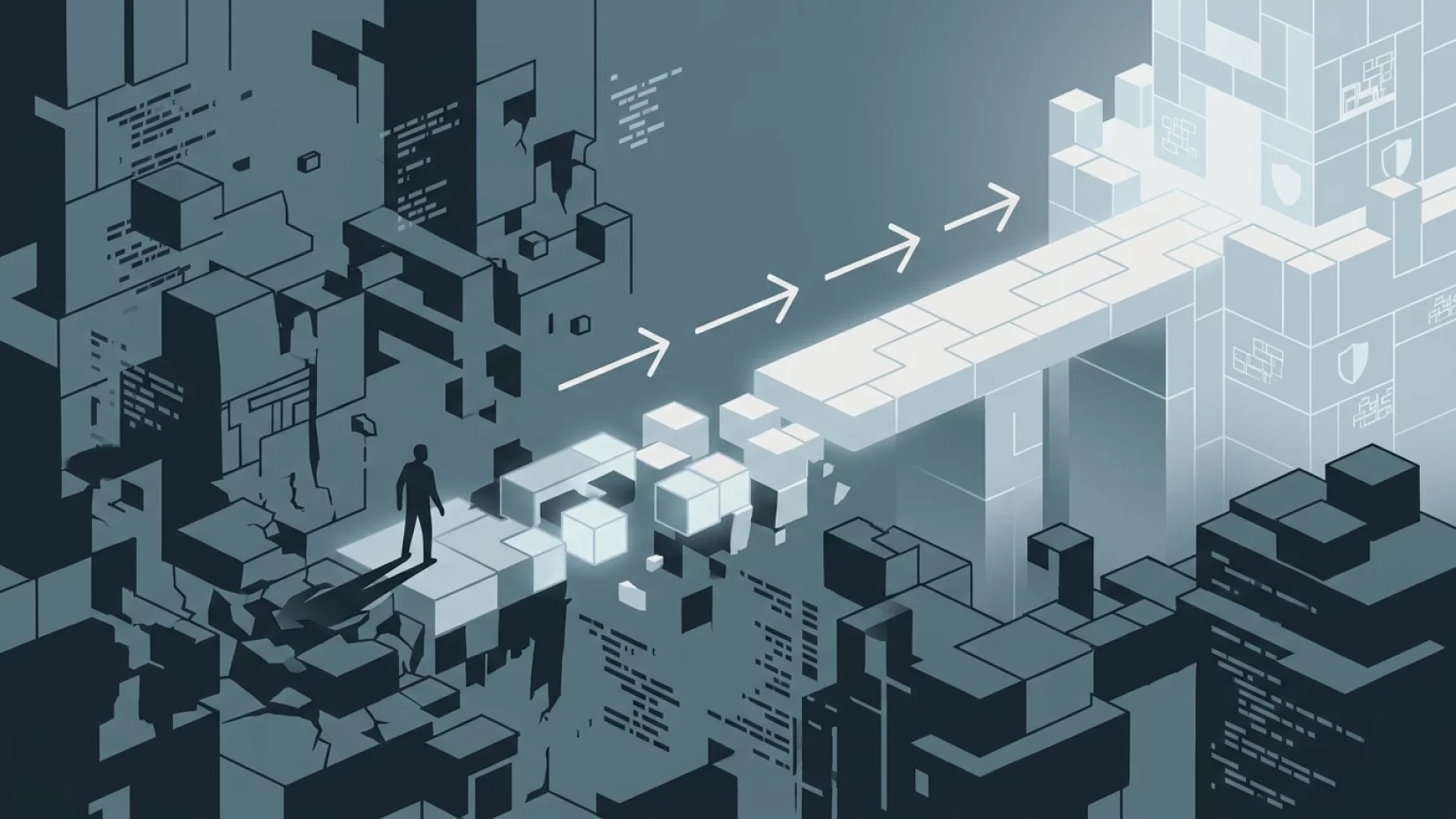
It’s easy to feel overwhelmed by all the warnings about digital threats. But this is one of those rare cases where a single, simple action—keeping your software updated—can make a massive difference. You don’t need to be a tech expert, and you don’t need to spend hours every week checking for updates. Just turn on automatic updates everywhere you can, help those around you do the same, and make it a habit to check occasionally for devices that need a manual nudge. You’ll sleep better knowing you’ve closed the door on the simplest, most common attack out there.
Risk Level: High. Outdated software is the #1 way attackers gain access. But with a few easy steps, you can dramatically reduce your risk—without stress, hassle, or technical know-how.