Passwords have been a part of our digital lives for decades, and let’s be honest — most of us have a love-hate relationship with them. We know we’re supposed to use strong, unique passwords for every account, but in reality, many people reuse the same few passwords everywhere, write them down, or just plain forget them. The stakes are high: password leaks, phishing scams, and account takeovers are all too common. Now, a new technology is quietly changing the rules. It’s called a passkey, and it’s already available on services you probably use every day, like Google and Apple. If you’ve ever wished logging in could be both easier and safer, this is the moment you’ve been waiting for. Let’s break down what passkeys are, why they matter, and how you can start using them right now — even if you’re not a tech expert.
What Exactly Are Passkeys, and Why Are Tech Companies Pushing Them?
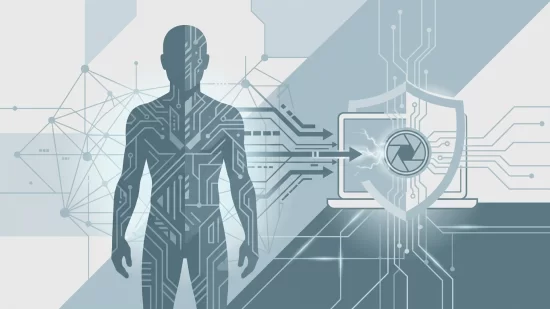
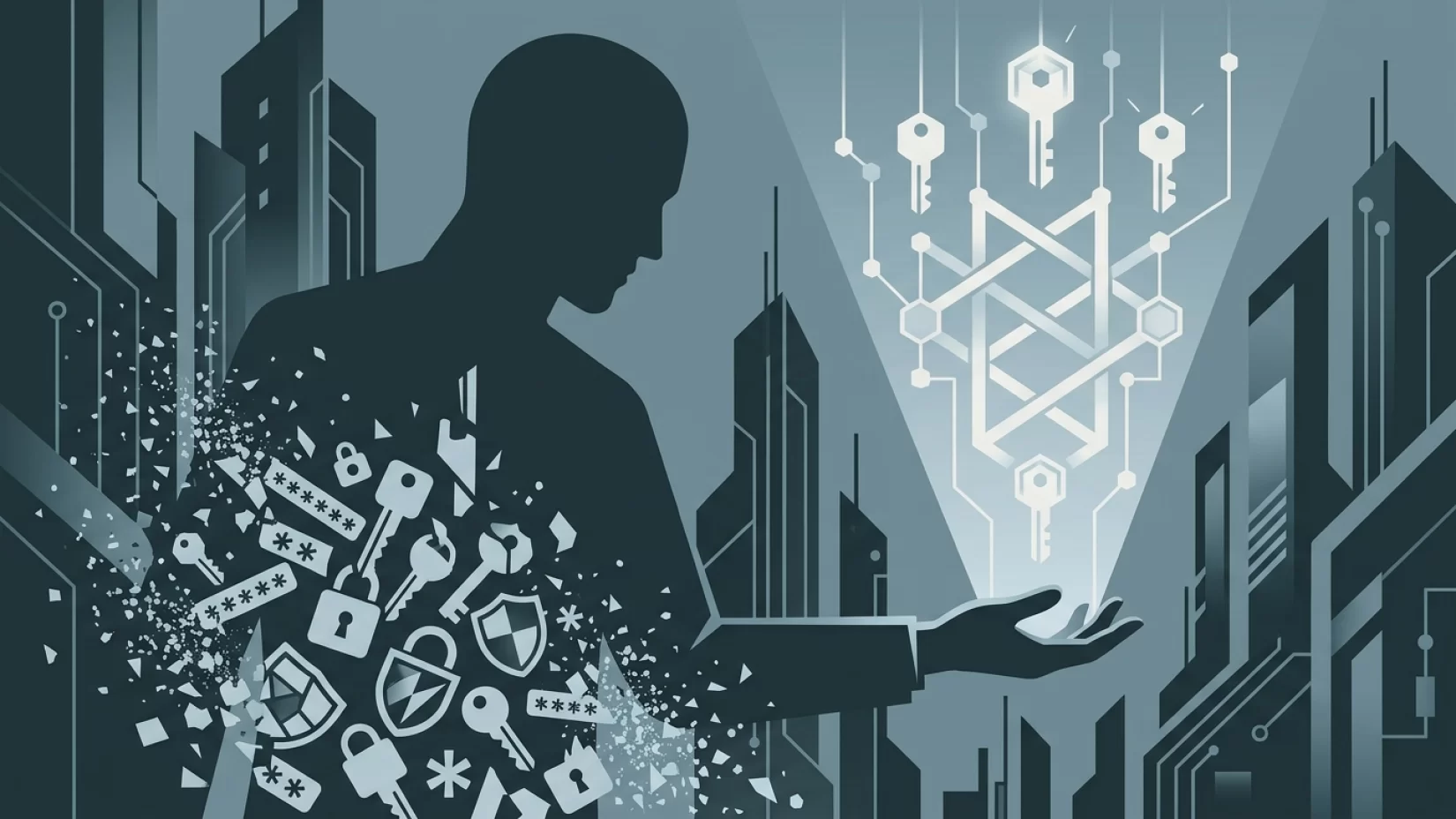
Passkeys are a new way to log in to your accounts without ever typing a password. Instead, you use something you have (like your phone or computer) and something you are (like your fingerprint or face) or something you know (like a PIN). Under the hood, passkeys use cryptographic key pairs — think of them as two puzzle pieces that fit together, but only one piece ever leaves your device. When you try to sign in, your device proves you have the right key, but your private information never gets sent over the internet.
This is a big deal because passwords are easy to steal, guess, or trick out of people. Phishing (when scammers send fake messages to steal your login info) is one of the most common ways accounts get hacked. Passkeys can’t be phished. You can’t accidentally give away a passkey to a fake website, because your device won’t send it unless the website is legitimate. That’s why Google, Apple, and Microsoft are all rolling out passkeys as the future of secure sign-ins.
Why Millions of Users Never Realize Their Data Was Exposed
Let’s be real: most people don’t find out their password was leaked until it’s too late. Data breaches happen all the time, and companies don’t always notify users right away — or at all. Even when they do, the damage is often done. Attackers buy and sell stolen passwords, then use them to break into email, bank, and social media accounts. This leads to stress, lost money, and the hassle of regaining control of your digital life.
Because passkeys are stored only on your devices and never shared with the website, there’s nothing for hackers to steal from a company’s database. Even if a service you use is hacked, your passkey stays safe. This is a huge shift in how we protect our online lives, and it’s one reason why industry giants are making the switch.
Passkeys vs. Passwords: Which Is Safer for You?
It’s natural to wonder if passkeys are really safer than passwords. Here’s a quick comparison:
- Passwords: Can be guessed, reused, stolen, or phished. If someone gets your password, they can log in as you from anywhere.
- Passkeys: Tied to your device, protected by biometrics (like Face ID or a fingerprint) or a PIN. They can’t be phished, and even if someone steals a company’s database, your passkey isn’t there.
In short: passkeys take away the most common ways attackers break into accounts. That doesn’t mean they’re magic or that you can forget about security entirely, but they seriously raise the bar.
Misconceptions That Hold People Back
Let’s clear up a few misunderstandings that might make you hesitate:
- "Passkeys are only for Apple devices." Not true. Google, Apple, and Microsoft all support passkeys, and many banking apps and websites are adding support, too.
- "Setting up passkeys is too complicated." Most people find it easier than setting up two-factor authentication. If you can unlock your phone with your face or fingerprint, you’re already halfway there.
- "Passkeys mean I don’t need to do anything to log in." You’ll still need to use your device’s biometric unlock or PIN — but you won’t have to remember complex passwords or type them out.
- "All online services support passkeys." Not yet. Support is growing fast, especially among major tech and financial companies, but you’ll still need passwords for some sites for now.
- "Passkeys are only for techies." These are designed for everyone. In fact, they’re meant to be easier and safer for non-experts.
If You Lose Your Device: What Happens to Your Passkeys?
This is the question that gives a lot of people pause. If your phone or laptop is lost, stolen, or breaks, what happens to your passkeys? Here’s what you need to know:
- Apple devices: Passkeys are stored in iCloud Keychain (Apple’s built-in password manager) and automatically sync across your Apple devices if you use the same Apple ID. Lose your iPhone? You can still access your passkeys from your iPad or Mac.
- Google accounts: Passkeys are stored in your Google Password Manager and sync across devices where you’re signed in. As long as you have access to your Google account, you can recover your passkeys on a new device.
- Other services: Some banks or websites let you create backup passkeys on more than one device. It’s wise to do this if you can.
If you lose all your devices and can’t access your accounts, you may need to use account recovery options, like verifying your identity with the service. This is similar to what you’d do if you lost access to your email or password manager. It’s not perfect, but for most people, it’s manageable — and still safer than relying on passwords alone.
Five Steps That Actually Reduce Your Risk
- Check if your accounts support passkeys. Start with Google, Apple, and your bank. Look in your account settings for "Security" or "Sign-in options." If you see "Passkeys," you’re good to go.
- Enable passkeys on your main devices. For Apple, make sure iCloud Keychain is turned on (in Settings > [your name] > iCloud > Passwords and Keychain). For Google, go to your Google Account, choose "Security," then "Passkeys," and follow the prompts.
- Add passkeys to more than one device. If possible, set up passkeys on your phone, tablet, and computer. This way, you’re not locked out if one device is lost or broken.
- Keep your device security strong. Use a strong device PIN or biometric unlock (face or fingerprint). If someone gets your phone, they can’t use your passkeys without unlocking it.
- Stay informed. As more services add passkey support, enable them wherever you can. This is a gradual shift, but every step makes your online life more secure and less stressful.
Everyday Scenarios: What Changes When You Switch?
Let’s imagine logging in to your bank app. Instead of typing a password (and maybe a code sent to your phone), you open the app, tap "Sign in with passkey," and use Face ID or your fingerprint. That’s it. No more struggling to remember if you used "Password123!" or "Password1234!" for this account. No more worrying about phishing links or password leaks.
Or picture helping a less tech-savvy family member. Instead of writing passwords on sticky notes, you help them set up passkeys and show them how to use their fingerprint to log in. Suddenly, their accounts are safer, and you’re not getting calls every time they forget a password.
For most people, switching to passkeys means less hassle, less stress, and better protection.
Broader Implications: Are Passwords Finally on the Way Out?
It’s not an exaggeration to say the tech industry wants to kill the password. Microsoft’s announcement that passkeys will be the default for Entra ID (used by businesses worldwide) is the clearest sign yet. By 2027, SMS codes and voice call logins will be phased out for millions of users. Google and Apple have already made passkeys the default sign-in option for their accounts.
For consumers, this shift means fewer password reset headaches, less risk from data breaches, and a simpler, safer digital life. Of course, not every service is on board yet. You’ll still need to manage some passwords for now, especially for older or smaller websites. But the writing is on the wall: passwords are slowly being replaced by something better.
It’s important to remember that no system is 100% foolproof. If someone gets full access to your unlocked device, they could use your passkeys. That’s why device security — using a strong PIN, keeping your software updated, and enabling device tracking or remote wipe — still matters. But for most people, passkeys are a giant leap forward.
Bottom Line: Should You Switch to Passkeys Now?
If you care about your online security (and your sanity), enabling passkeys is one of the smartest moves you can make right now. You don’t need to be a tech expert. You don’t need to overhaul your entire digital life in one day. Start with your most important accounts — your email, your phone, your bank — and take it one step at a time.
Passkeys aren’t a silver bullet, but they’re a huge improvement over passwords. They protect you from phishing, make account takeovers much harder, and simplify your digital routine. As more companies roll them out, the days of memorizing (and forgetting) passwords are finally numbered. Give passkeys a try — your future self will thank you.