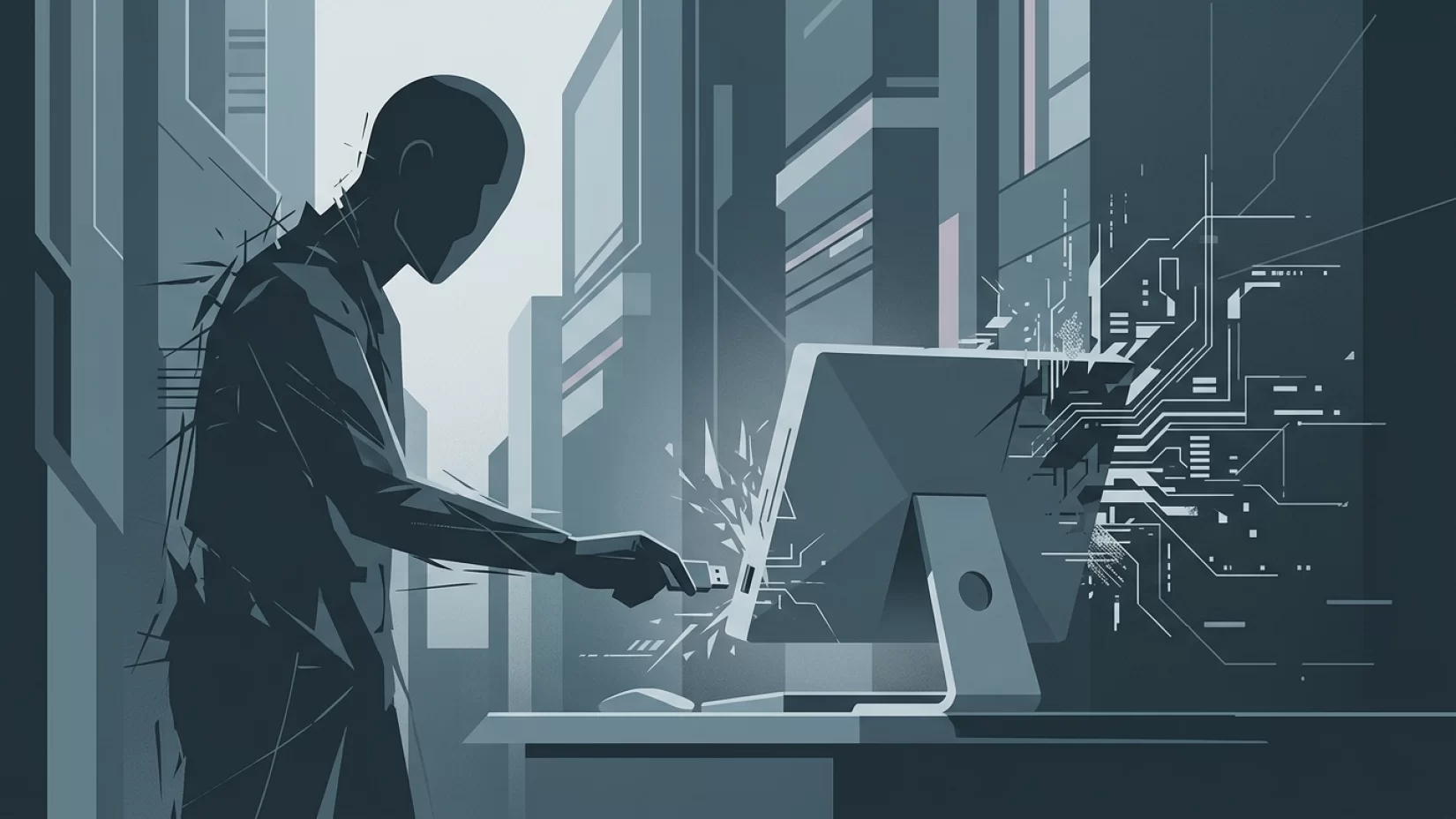
It’s a simple moment: you find a USB drive at work, in a parking lot, or maybe someone hands you one at a conference. It looks harmless, maybe even helpful. You plug it into your computer, expecting to see photos, documents, or maybe nothing at all. What you don’t see—what most people never see—is that malware can silently install itself the second you connect that drive. No warning, no suspicious files, no chance to react. In 2023 alone, malware delivered by USB drives tripled worldwide. For millions, this isn’t a theoretical risk—it’s a quietly growing danger that can lead to stolen data, drained bank accounts, and devices hijacked to attack others.
Plugging in an unknown USB drive is one of the easiest ways to let attackers bypass all the security you think you have. This article will show what actually happens when you connect a stranger’s USB stick, why even smart people fall for it, and the single habit that can keep you—your family, your work, your finances—much safer. Let’s cut through the myths and get to the truth.
Why USB Drives Remain a Favorite Tool for Cybercriminals
Despite all our advances in digital security, USB drives remain a glaring weak spot. Why? Because they’re physical, portable, and universally compatible. You can plug one into almost any computer, laptop, or even some tablets and smart TVs. Attackers know this. They don’t need to hack your Wi-Fi, guess your password, or trick you with a fake email. All they need is for you—or someone in your household or workplace—to plug in that little device.
In 2023, security researchers saw a threefold increase in malware distributed via USB drives. Cybercriminals have become bolder, even dropping infected USB sticks in public places hoping someone’s curiosity or helpfulness will do the rest. And it works: Check Point found that hackers intentionally leave USB drives at so-called “watering holes” like cafes, conference rooms, or parking lots, knowing someone will eventually pick them up and plug them in.
It’s not just random criminals, either. Nation-state hackers (the kind with serious resources) have used USB drives to break into protected networks that aren’t even connected to the internet. If they’re targeting big companies and governments, it’s naive to think ordinary users are immune.
What Actually Happens When You Plug in an Unknown USB Drive?
Most people assume nothing happens until they double-click a file. Unfortunately, that’s not true. Many types of malware are designed to run automatically the moment a USB drive is connected. Here’s how it works:
- Auto-Run Exploits: Some malware takes advantage of features in your operating system that automatically launch programs or scripts when new devices are plugged in. Even though Windows and macOS have tried to limit this, attackers keep finding new tricks.
- Hidden Executables: Malicious software can be disguised as system files or hidden in the drive’s firmware (the software built into the USB device itself). You may not see anything unusual in the list of files, but your computer might already be infected.
- Keyboard Emulation: Some USB drives can pretend to be a keyboard, instantly typing out commands to download and run malware—faster than you could respond.
All of this can happen before you even open the drive to look at its contents. You might not notice anything wrong until your device starts acting strangely, your files go missing, or your online accounts are compromised.
Why Millions of Users Never Realize Their Data Was Exposed
Unlike obvious scams or viruses that slow down your computer, USB-based malware is often designed to be invisible. It can quietly steal your passwords, copy your files, or turn your device into part of a larger botnet (a network of hijacked devices used for attacks). In many cases, victims only find out after their bank calls about suspicious activity, or a friend reports receiving strange emails from their account.
One notorious example: in 2024, researchers found that a USB worm (a self-spreading malware) had infected millions of computers worldwide—years after its creators had abandoned it. Many victims had no idea their devices were compromised, because the worm was designed to stay hidden and keep spreading.
Common Misconceptions That Keep People at Risk
- "It’s safe if I only look at the files." Wrong. Malware can install itself before you see any files.
- "I trust the person who gave me this drive." Even well-meaning friends or coworkers can unknowingly pass along infected drives.
- "Formatting the drive removes all malware." Not always. Some malware hides in the firmware and survives formatting.
- "Antivirus will catch it." Antivirus software can help, but it’s not perfect. Attackers are constantly finding ways to evade detection.
- "USB attacks are rare." With attacks tripling in 2023, this is no longer true. Millions have been affected.
These misconceptions are dangerous because they lead to risky choices. The reality is, even tech-savvy people can fall for a well-placed USB drive. Curiosity, helpfulness, or just a moment of distraction is all it takes.
What Types of Malware Spread via USB Drives?
USB drives can deliver a wide range of malware, including:
- Ransomware: Locks your files and demands payment for their release.
- Keyloggers: Record everything you type, including passwords and credit card numbers.
- Data Stealers: Copy your personal files, photos, and documents.
- Botnets: Turn your device into a zombie that helps attack others.
- Worms: Spread to every other USB drive you connect, infecting more devices.
Some USB malware is so sophisticated that it can even infect devices that aren’t connected to the internet, then wait until they are to send stolen data to attackers.
Real-World Consequences: More Than Just a Broken Computer
Let’s be clear: this isn’t just about a slow laptop or annoying pop-ups. The human impact of USB-based malware can be severe:
- Financial Loss: Stolen banking details can lead to drained accounts or fraudulent purchases.
- Identity Theft: Personal information can be used to open accounts or commit crimes in your name.
- Loss of Memories: Family photos, important documents, and creative work can be locked or deleted.
- Embarrassment and Stress: Discovering your device was used to spread malware to friends, family, or coworkers can be deeply upsetting.
- Legal Trouble: In rare cases, if your device is used to attack others, you might have to prove you weren’t involved.
The stress and confusion after a malware infection are real. People often feel violated, anxious, and unsure who to trust. That’s why prevention is so important—it’s much better to avoid the mess entirely.
Are Some USB Drives Safer Than Others?
It’s tempting to think that certain brands or new-looking drives are safer. Unfortunately, there’s no reliable way to judge a USB drive’s safety by appearance or brand. Attackers can use any drive, and even sealed packaging can be faked. Some malware hides in the firmware, making it impossible to remove without special tools.
Even drives you buy new can be compromised during manufacturing or shipping, though this is rare. The main risk comes from drives with an unknown or unclear history—found, borrowed, or given to you by someone who may not know their drive is infected.
Can Formatting or Cleaning a USB Drive Make It Safe?
Formatting (erasing) a USB drive removes most files, but it doesn’t always remove malware. Some advanced threats embed themselves in the firmware, which normal formatting won’t touch. Unless you have the tools and expertise to completely rewrite the drive’s firmware (and most people don’t), there’s no guarantee a previously infected drive is safe to use.
For most people, the safest option is to avoid using unknown USB drives altogether. If you absolutely must use one, do so on a device that isn’t connected to sensitive accounts or data, and consider using a dedicated, isolated machine for this purpose.
Five Steps That Actually Reduce Your Risk
- Never plug in unknown USB drives. This is the simplest, most effective habit. If you find a drive, turn it in to your IT department or dispose of it safely. Curiosity isn’t worth the risk.
- Use your own charging equipment. Public USB charging stations can also be compromised. Always use your own charger and cable.
- Keep your software up to date. Install updates for your operating system and antivirus software. While not foolproof, updates fix known vulnerabilities that malware can exploit.
- Back up your important data regularly. Use cloud storage or an external drive that you control. If malware strikes, you’ll have a safe copy of your files.
- Educate family and coworkers. Make sure everyone in your home or office understands the risks. A single mistake by one person can affect everyone on the network.
These steps aren’t complicated, but they work. Most infections happen because someone ignores that first rule—don’t plug in unknown USB drives. It’s a habit that costs nothing and can save you a world of trouble.
Broader Implications: Why This Problem Isn’t Going Away
USB-based attacks aren’t a thing of the past—they’re increasing. As security gets better online, attackers look for new ways in, and physical devices like USB drives are a perfect target. There’s no universal fix, because the problem isn’t just technical—it’s human. We’re naturally curious, helpful, and sometimes a bit too trusting.
Companies and device makers could do more to block automatic execution from USB devices, but so far, no one has solved it completely. Until they do, your habits are your best defense. Remember: you wouldn’t eat food you found on the ground. Don’t trust a USB drive you found, either.
Summary: The Risk Is High, But the Solution Is Simple
The danger from unknown USB drives is real, widespread, and growing. Malware can install itself silently, before you even see what’s on the drive. The consequences can be financial, personal, and deeply stressful. Antivirus and formatting aren’t enough to guarantee safety. The best defense is also the easiest: never plug in a USB drive unless you know exactly where it came from and trust its history. If you stick to this habit, you’ll avoid one of the most common—and preventable—ways malware spreads today.