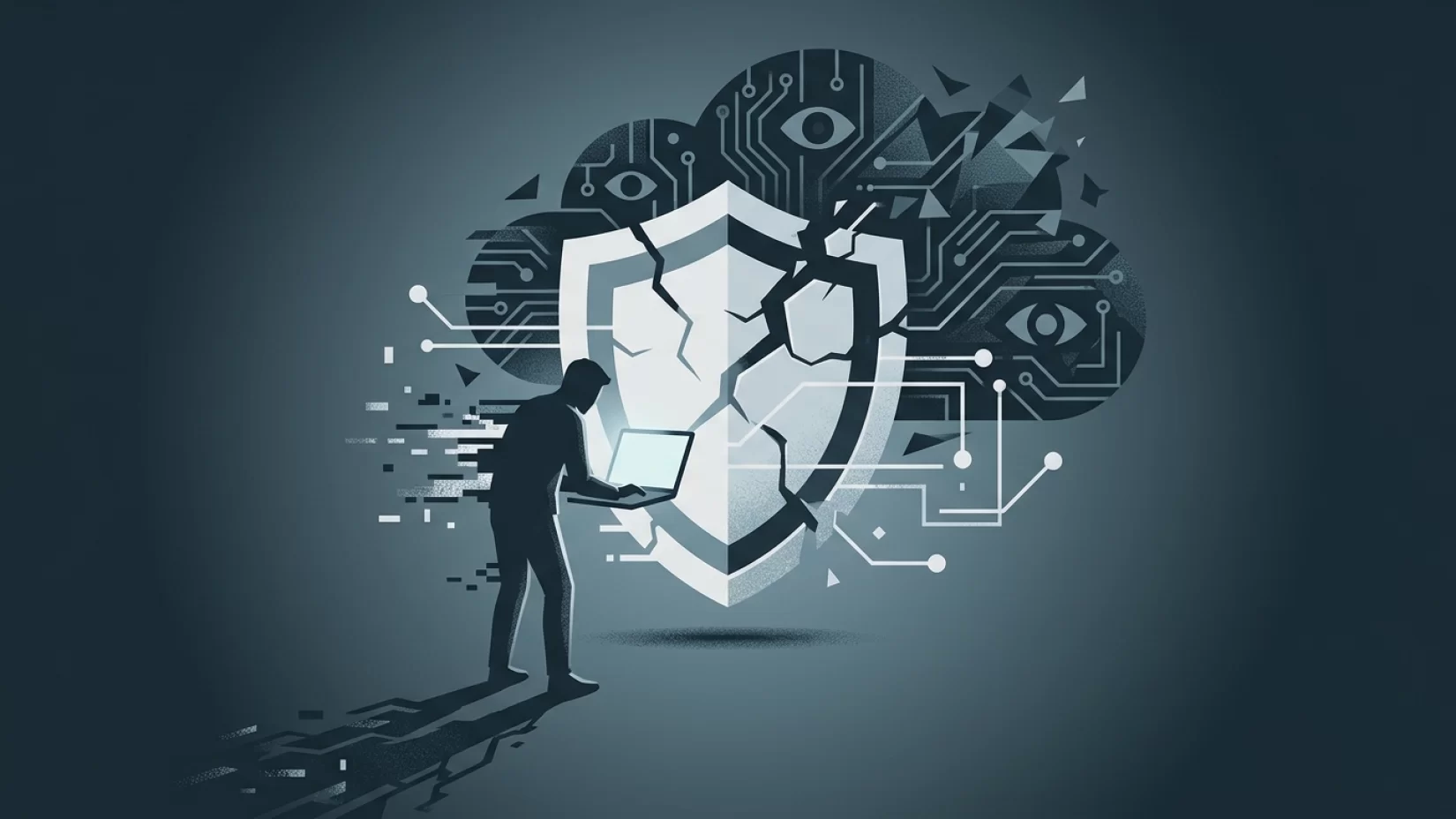
It’s easy to think that having antivirus software on your laptop means you’re safe. After all, that’s what the ads promise: install, scan, and relax. But if you’ve ever felt a nagging doubt—maybe after reading about a big data breach or hearing about a friend’s hacked account—you’re not wrong to wonder if antivirus is really enough. The truth is, as cyber threats have evolved, the old approach of just running antivirus has fallen behind. There are entire categories of attacks that slip right past these programs, and more people are affected than most realize. If you’re using your laptop for work, shopping, banking, or just staying connected, understanding these risks isn’t optional—it’s necessary. Let’s look at what antivirus software actually does, where it falls short, and, most importantly, what you can do to truly protect yourself and your laptop.
Antivirus: What It Actually Does (And Doesn’t Do)
Antivirus software is like a security guard at the door, checking IDs against a list of known troublemakers. It scans files, downloads, and sometimes even emails, looking for signatures—unique patterns that match known viruses, worms, or trojans. If it finds something suspicious, it quarantines or deletes the file. This approach works well for threats that have already been discovered and catalogued. It’s why antivirus is effective against classic malware that spreads through infected files or USB drives.
But here’s where things get tricky: modern attacks don’t always leave a file behind for antivirus to scan. Some threats operate entirely in your device’s memory, never touching the hard drive. Others use your web browser or trick you into giving away your own information. These are the gaps that traditional antivirus simply can’t cover.
Fileless Malware: The Invisible Intruder
Fileless malware is exactly what it sounds like—malicious code that doesn’t exist as a file on your computer. Instead, it lives in your laptop’s memory (RAM), often using legitimate tools built into your operating system. For example, attackers might exploit PowerShell on Windows or AppleScript on Mac to run harmful commands without ever saving a file that antivirus could detect.
This technique is especially dangerous because it leaves almost no trace. In 2025, a major fileless malware attack used a vulnerability in a popular web browser to infect thousands of laptops. Antivirus programs missed it entirely, because there was no suspicious file to scan. Victims only realized something was wrong when their accounts were compromised or their computers started behaving strangely.
For the average laptop user, fileless malware can mean stolen passwords, hijacked email accounts, or even unauthorized bank transfers—all without a single warning from your antivirus software.
Browser-Based Attacks: When Your Browser Becomes the Weak Link
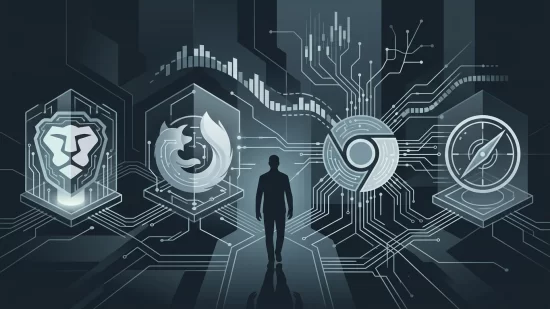
Most of us spend hours each day in our web browsers—shopping, banking, working, or just catching up on news. Unfortunately, browsers are a favorite target for attackers. Browser-based attacks exploit flaws in Chrome, Firefox, Safari, or Edge to run malicious code right inside your browser window. Sometimes, these attacks don’t even require you to download anything; simply visiting a compromised website is enough.
Antivirus software usually isn’t watching what happens inside your browser. It doesn’t know if a website is quietly exploiting a bug or if a malicious extension is stealing your data. In recent years, attackers have used browser vulnerabilities to bypass antivirus entirely, delivering ransomware, stealing saved passwords, or injecting fake banking forms to harvest login details.
Imagine logging into your bank’s website, only to have your information quietly intercepted before it ever reaches your bank. Antivirus won’t see it happening—because the attack never leaves the browser.
Social Engineering: When the Biggest Risk Is Human
Not all attacks are technological. Some are psychological. Social engineering refers to tricks and manipulations that get people to hand over their own information or perform risky actions. Phishing is the most common example: a fake email that looks like it’s from your bank, asking you to “verify” your account. Or a text message pretending to be from a delivery service, with a link that leads to a fake login page.
No antivirus software can stop you from clicking a convincing link or entering your password on a lookalike site. These attacks rely on trust, urgency, or fear. In 2024, a wave of phishing campaigns hit remote workers, leading to stolen credentials and data breaches at several companies. The emails looked legitimate, and antivirus programs didn’t flag them—because technically, there was no malware attached.
It’s a harsh truth: social engineering is the single biggest cause of security breaches, and it’s entirely outside the scope of what antivirus can protect against.
Why Millions of Users Never Realize Their Data Was Exposed
One of the most frustrating things about modern cyber threats is how quietly they work. Fileless malware can come and go without leaving a footprint. Browser-based attacks might not slow down your laptop or trigger any obvious warning. Social engineering often feels like normal communication until it’s too late.
Many people only discover they’ve been compromised after the fact—when money is missing from their account, when friends receive spam from their email, or when they’re locked out of an important service. Antivirus software rarely alerts you to these kinds of breaches, because they don’t fit the patterns it’s designed to detect.
This silent exposure is why so many users are caught off guard. They trusted their antivirus, but the real threats slipped in through the cracks.
Common Misconceptions That Put You At Risk
- “I have antivirus, so I’m safe.” Antivirus is only one layer. It’s not a magic shield.
- “Macs don’t get malware.” Macs are targeted too, especially by fileless malware and browser-based attacks. Complacency is risky.
- “Only careless people fall for scams.” Social engineering is designed to fool anyone. Attackers use urgency, fear, and even flattery to bypass your guard.
- “If something was wrong, I’d notice.” Many modern attacks are invisible, at least at first. Waiting for obvious signs often means discovering the problem too late.
Real-World Consequences: More Than Just Annoyance
The impact of these attacks isn’t just technical—it’s deeply personal. People who’ve had their accounts compromised often feel embarrassed or anxious, even though the fault lies with the attackers, not the victim. Financial losses can take weeks or months to resolve. The stress of dealing with identity theft or a hijacked email account can disrupt work, relationships, and peace of mind.
For families, a compromised laptop can mean children’s information is exposed. For remote workers, it might threaten their job or company. The ripple effects go far beyond the initial breach.
Five Steps That Actually Reduce Your Risk
- Update everything—regularly. Attackers rely on outdated software. Make sure your operating system, browsers, and apps are set to update automatically. Don’t ignore those prompts.
- Use strong, unique passwords (and enable two-factor authentication). A password manager can help. Two-factor authentication (2FA) adds a second layer, making it much harder for attackers to access your accounts even if they steal your password.
- Be skeptical of unsolicited messages. If you get a surprise email, text, or social media message asking for information, double-check before clicking any links or sharing details. When in doubt, contact the sender through a known, trusted method.
- Choose security software with real-time protection and behavioral analysis. Some modern security suites go beyond traditional antivirus, looking for suspicious behavior rather than just known threats. They’re not perfect, but they’re a step up from basic antivirus.
- Back up your important files and encrypt sensitive data. Regular backups (ideally to an external drive or secure cloud service) mean you can recover if something goes wrong. Encryption adds another layer, making your data useless to attackers if they get in.
What Antivirus Companies Don’t Tell You
Some antivirus companies still market their products as all-in-one solutions. That’s misleading. No single tool can protect against every threat. The companies making these claims are either out of touch or hoping you won’t look too closely. If you see a product promising “total protection,” take it with a grain of salt.
Good security is about layers. Antivirus is one layer, but you need others: updates, strong passwords, smart habits, and a little healthy skepticism.
Why This Isn’t About Fear—It’s About Control
Reading about new threats can feel overwhelming. But the goal isn’t to make you anxious or paranoid. It’s to help you take back control. Most successful attacks don’t happen because people are careless—they happen because attackers are persistent and creative. By understanding where antivirus falls short, you can make smarter choices and avoid the mistakes that lead to real harm.
Your laptop is probably one of your most important tools. Protecting it means looking beyond the basics. With a few practical steps, you can close the gaps and keep your digital life much safer.
Broader Implications: The New Normal for Laptop Security
The landscape of cyber threats will keep evolving, and attackers will keep looking for new ways to get around defenses. Antivirus software isn’t going away, but it’s no longer the main line of defense. For anyone using a laptop—whether for work, study, or everyday life—security is now a shared responsibility. It’s about habits, awareness, and using the right tools in combination.
If you take away one thing, let it be this: antivirus is helpful, but it’s not enough. Staying safe means staying informed, staying updated, and staying a little bit skeptical. That’s not just good advice—it’s the new normal.