Imagine sitting down at your computer to look through old family photos or finish a work project, only to find a message on your screen: your files have been locked, and the only way to get them back is to pay a stranger hundreds—sometimes thousands—of dollars. This isn’t a scene from a cyber-thriller. It’s happening more and more in ordinary homes around the world. Ransomware, once a menace mostly for big companies and hospitals, now targets everyday people, locking away precious memories, important documents, and years of your digital life. In 2023 alone, ransomware attacks against individuals and organizations soared by 68%. No one is too small to be a target anymore. If you use a computer or smartphone, your personal files—photos, tax records, creative work—are at risk. But you’re not powerless. Understanding how ransomware works, how it finds its way onto home devices, and what you can do if you’re hit can make the difference between losing everything and bouncing back.
What Ransomware Actually Does to Your Computer
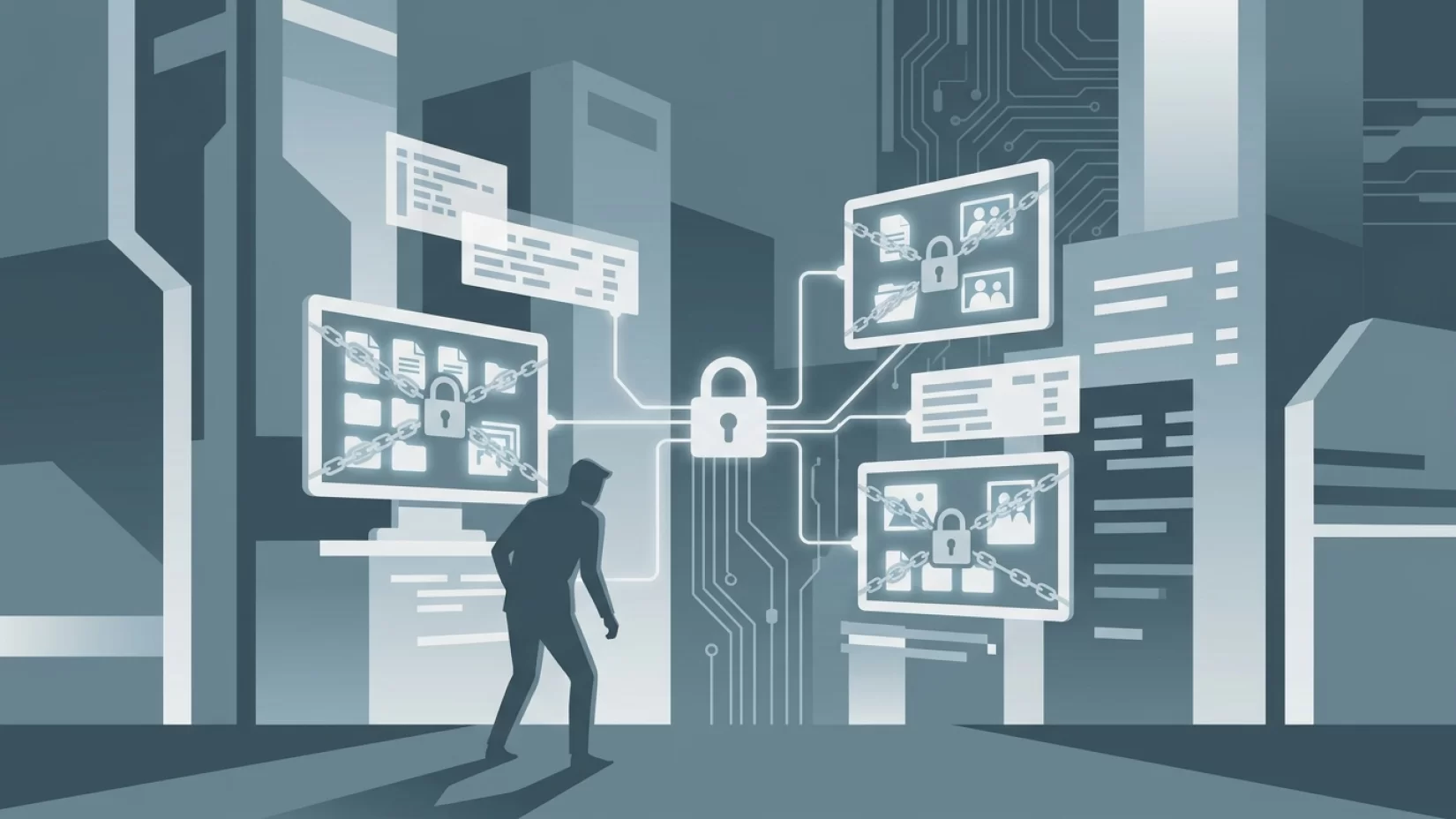
Ransomware is a type of malicious software (malware) that sneaks onto your device and scrambles your files using strong encryption. This means your photos, videos, documents, and even some apps become unreadable—like someone changed the locks on every door in your digital house. The criminal then leaves a ransom note on your screen, demanding payment (usually in cryptocurrency) to unlock your files. There’s often a countdown: pay within a certain time, or your files might be deleted forever.
Unlike viruses that just cause chaos or steal passwords, ransomware’s goal is simple: extortion. The criminal doesn’t care if you’re a retiree with grandkids’ photos, a student with a thesis, or a freelancer with years of creative work. If your files matter to you, you’re a target.
Why Home Users Are Now a Prime Target
It’s easy to assume ransomware is a problem for big companies, hospitals, or city governments. After all, those attacks make the news. But in reality, millions of individuals are quietly targeted every year. In 2023, nearly half of all ransomware attacks happened in the United States, but no country is immune. The sharp rise in attacks isn’t just about bigger ransoms—it’s about volume. Cybercriminals have automated their attacks, casting a wide net in hopes of catching as many people as possible. Your home computer, tablet, or smartphone is just as valuable to them as any business server.
Why target regular people? Many home users don’t have IT departments or advanced security tools. Their backups (if they exist) might be old or incomplete. And the emotional value of personal files means people are often desperate to recover them, making them more likely to pay.
How Ransomware Sneaks Onto Your Devices
Most ransomware infections start the same way: a trick. Here are the most common ways ransomware gets in:
- Phishing emails: You receive an email that looks official—maybe from your bank, a delivery company, or even a friend. It urges you to open an attachment or click a link. The attachment contains ransomware, or the link leads to a fake website that installs it silently.
- Malicious downloads: Downloading free software, games, or even cracked versions of paid apps from sketchy sites can bring ransomware along for the ride. Sometimes, even legitimate-looking downloads from untrustworthy sources are booby-trapped.
- Fake updates: Pop-ups that claim your browser or Flash player is out of date can trick you into installing ransomware disguised as an update.
- Compromised websites: Visiting a hacked website can sometimes trigger a "drive-by download," where ransomware installs itself without you clicking anything.
- Weak passwords and out-of-date software: Some ransomware spreads by exploiting security holes in your operating system or apps. If you haven’t installed updates, you’re more vulnerable.
It’s a myth that you have to be careless to get infected. Even cautious users can be fooled by a convincing email or website. The key is to recognize the tactics and know what to avoid.
Recognizing the Signs: Is Your Computer Under Ransom?
Ransomware doesn’t always announce itself right away. Sometimes, it quietly encrypts files in the background before revealing the ransom note. Here’s what to watch for:
- Sudden inability to open files: Photos, documents, and videos won’t open, or their icons look strange.
- File extensions changed: Your files now end with odd extensions like ".locked," ".encrypted," or random letters.
- Ransom note: A message appears on your desktop or in each folder, demanding payment and explaining how to pay.
- System slowdown: Your computer becomes sluggish as the ransomware encrypts files.
If you see these signs, especially the ransom note, your files are likely already encrypted. At this point, time is critical—but not for paying the ransom. Quick, smart action can limit the damage.
What NOT to Do: Common Mistakes That Make Things Worse
It’s completely natural to panic when you realize your files are locked. Unfortunately, panic leads to mistakes. Here are things you should avoid if you think you’ve been hit by ransomware:
- Don’t pay the ransom right away: There is no guarantee you’ll get your files back. Criminals may take your money and disappear, or they may demand more. Paying also encourages more attacks.
- Don’t restart or wipe your device immediately: Restarting can sometimes make it harder for experts to recover your files. Wiping (factory reset) will erase everything—including any chance of recovery.
- Don’t connect external drives or cloud accounts: Ransomware can spread to backup drives or cloud storage if they’re connected after infection.
- Don’t try random "decryption tools" from the internet: Many are scams or contain more malware. Only use tools from trusted security companies.
It’s frustrating, but slowing down and making informed choices is your best chance at recovery.
Five Steps That Actually Reduce Your Risk If You’re Hit
If you suspect or know you’ve been infected, here’s what you should do—step by step:
- Disconnect from the internet immediately. Unplug your ethernet cable or turn off Wi-Fi. This stops the ransomware from communicating with its creators and may prevent it from spreading to other devices.
- Do not pay the ransom. As hard as it is, paying fuels the cycle and doesn’t guarantee you’ll get your files back.
- Use another device to research the specific ransomware. Search for the ransom note’s text or file extension. Sometimes, security researchers have found ways to decrypt certain types of ransomware without paying.
- Contact a trusted IT professional or reputable security company. If you’re not sure what to do, expert help can make the difference. Many companies offer free initial advice for home users.
- Check your backups. If you have backups (on an external drive that wasn’t connected during the attack, or in the cloud), you may be able to restore your files after cleaning your device.
Even if you don’t have backups or can’t recover your files, following these steps can prevent further loss and help you start fresh, safely.
Why Paying the Ransom Isn’t a Safe Bet
It’s easy to understand why people pay. Losing family photos, creative work, or critical documents is heartbreaking. But here’s what ransomware gangs don’t want you to know:
- No guarantees: Many victims pay and never get their files back.
- Double extortion: Some criminals take your money, then demand more or threaten to leak your files online.
- Scams on top of scams: Paying can make you a target for future attacks or scams, since criminals know you’re willing to pay.
Law enforcement and security experts almost always advise against paying. Instead, focus on recovery and prevention.
Common Myths About Ransomware (And the Real Story)
- "Ransomware only targets big companies." Not true—millions of home users are victims every year, and attacks on individuals are growing.
- "Antivirus is enough to protect me." Antivirus helps, but it’s not foolproof. Ransomware often slips past basic protections, especially if your software isn’t up to date.
- "If I pay, I’ll get my files back." There’s no guarantee. Criminals aren’t known for keeping promises.
- "I’m safe as long as I don’t click suspicious links." While caution helps, ransomware can sneak in through software flaws or infected ads on legitimate sites.
Understanding these myths can help you focus on what really works for protection and recovery.
Simple Habits That Make Ransomware Nearly Powerless
Ransomware is scary, but it’s also beatable. Here are the habits that make the biggest difference:
- Back up your files regularly. Use an external hard drive (that you disconnect after backing up) or a reputable cloud service. Test your backups occasionally to make sure you can restore them.
- Keep your software updated. This includes your operating system (Windows, macOS, Android, iOS) and all your apps. Updates patch security holes that ransomware exploits.
- Use a reputable antivirus program. Keep it updated and let it scan new files and downloads.
- Be skeptical of emails and links. If you didn’t expect an attachment or link—even from a friend—double-check before opening.
- Don’t download software from unknown sources. Stick to official app stores or trusted vendors.
- Educate your family. Kids, parents, and anyone sharing your device should know the basics of spotting scams and suspicious downloads.
None of these steps are complicated, but together, they make you a much harder target for criminals.
The Human Toll: Stress, Confusion, and Loss
It’s easy to focus on the technical side of ransomware, but the real impact is human. Victims often feel violated, stressed, and embarrassed. There’s the anxiety of losing irreplaceable photos, the confusion of trying to understand what happened, and the dread of dealing with criminals. Some people lose years of work or treasured memories. Others spend days or weeks trying to recover, only to find out that some files are gone for good.
If you’re hit, it’s not your fault. Cybercriminals are relentless and skilled at tricking people. What matters is how you respond and what you do next.
Looking Ahead: Why Ransomware Isn’t Going Away Soon
Ransomware is big business for criminals. As long as people keep paying, attacks will continue. The tools to create ransomware are getting cheaper and easier to use, and criminals are always inventing new tricks. Meanwhile, the rise of remote work and smart devices at home gives attackers more ways in.
But there’s good news. More people are learning about ransomware, and security companies are fighting back. Regular updates, better backups, and smarter habits make a huge difference. If enough people refuse to pay and protect themselves, ransomware loses its power.
Ransomware Risk Level: High, But Manageable
Let’s be clear: ransomware is a high risk for home users right now. The surge in attacks, the emotional and financial toll, and the evolving tactics of criminals all make this a threat you can’t ignore. But it’s not hopeless. With a few practical steps and a bit of awareness, you can protect your files, your memories, and your peace of mind. Don’t wait until it happens to you—start building your defenses today. And if you ever do get hit, remember: you’re not alone, and there are ways to recover without giving in to criminals.