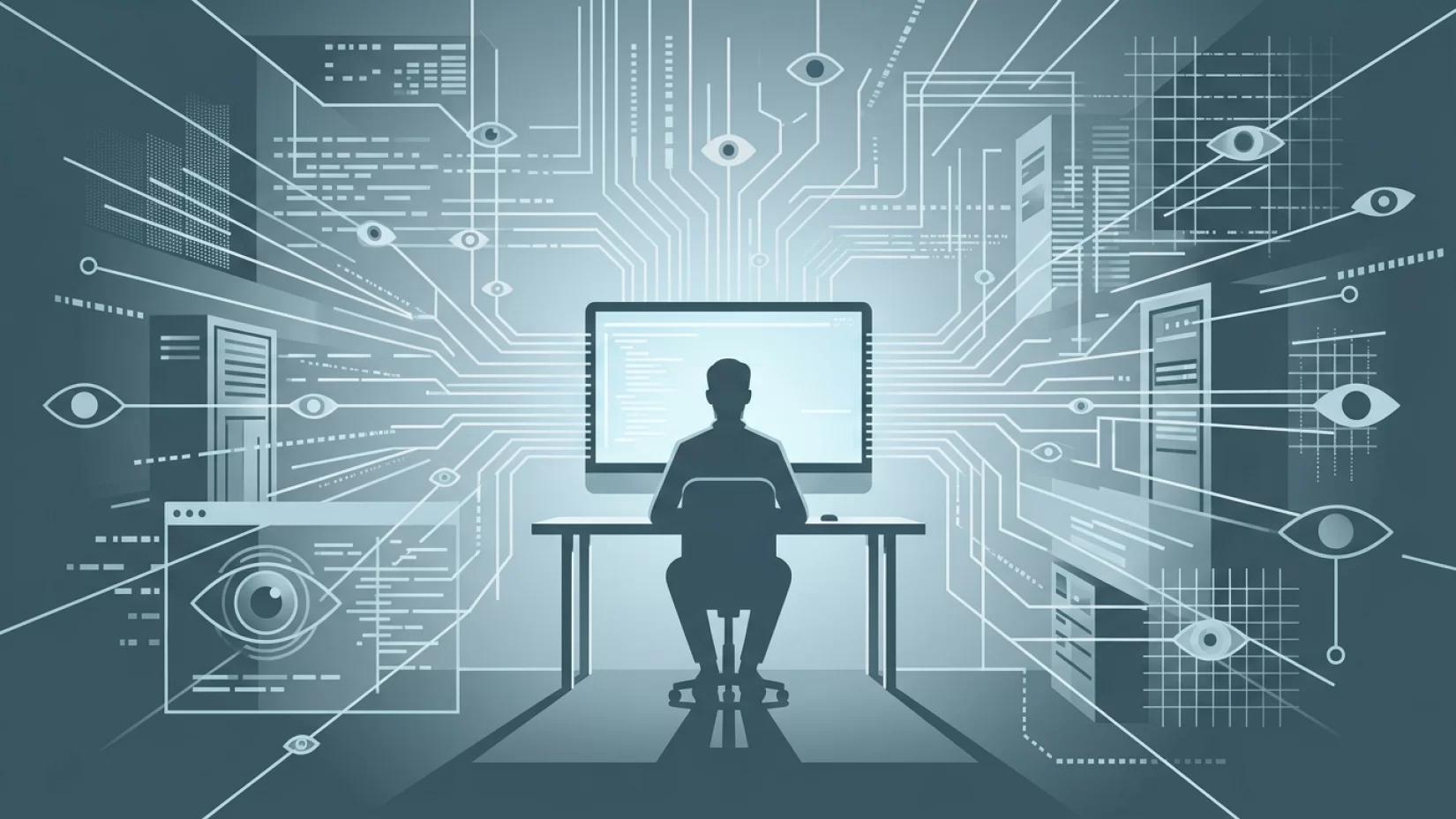
Remote work has changed the way millions of us do our jobs. For many, it’s meant swapping a cubicle for the kitchen table and trading in-person meetings for video calls. But there’s another, less visible change: the rise of employer monitoring on company-issued work-from-home computers. If you’ve ever wondered, “What can my employer see on my work-from-home computer?” you’re not alone. The answer is more complicated—and sometimes more intrusive—than most people realize. Understanding what’s tracked, why it matters, and how to protect your privacy can help you work with confidence, not anxiety.
What Your Boss Can Actually See: The Real Scope of Monitoring
Let’s cut through the rumors. On a company-issued laptop or desktop, your employer can often see much more than just your login times or the websites you visit. Thanks to monitoring software, here’s what’s commonly tracked:
- Websites Visited: Every site you open in your browser can be logged, including timestamps and how long you spent there.
- Keystrokes: Some tools record every key you press, capturing everything from emails to draft messages—even if you never hit send.
- Screenshots: Periodic or triggered screenshots can show exactly what’s on your screen at any given moment, including open tabs, messages, and notifications.
- Application Usage: Monitoring software tracks which apps and programs you use, and for how long.
- Active Time: Many tools measure your keyboard and mouse activity to gauge when you’re “active” or “idle.”
This isn’t theory—it’s standard practice for many employers, especially since remote work became the norm. If your company provides the device, assume they may be using some or all of these monitoring methods.
Why Employers Monitor: Productivity, Security, or Something Else?
Most companies say they monitor work devices for legitimate business reasons. The main arguments are:
- Productivity: Checking that employees are working during paid hours.
- Security: Preventing leaks of sensitive company data, or catching malware and risky behavior early.
- Compliance: Meeting industry or legal requirements, especially in fields like finance or healthcare.
On paper, these reasons make sense. But the line between necessary oversight and intrusive surveillance can get blurry—especially when monitoring goes beyond work-related activities or continues outside of work hours. Some employers are careful and transparent. Others, unfortunately, are not.
Why Millions of Users Never Realize Their Data Was Exposed
Here’s a common misconception: “If I’m not doing anything wrong, I have nothing to worry about.” But most people simply don’t know the full extent of what’s being tracked. Monitoring software often runs silently in the background. There’s usually no pop-up or warning each time a screenshot is taken or a keystroke is logged. Unless your company is upfront about its policies (and many are not), you may never know exactly what’s being collected.
Consider this scenario: You take a quick break to check your personal email or respond to a message on a social site, thinking it’s harmless. If you’re using your company laptop, that activity may be captured in logs or screenshots—even if it’s unrelated to your job. Over time, these digital footprints can add up, and you may have little control over who sees them.
Legal Boundaries: What Can Employers Monitor—And Where Is the Line?
Legally, employers have broad rights to monitor activity on their own equipment. As long as there’s a legitimate business reason and you’ve consented (often by signing an employment agreement or clicking “accept” on a policy), monitoring is allowed in most countries. This includes tracking websites, keystrokes, screenshots, and more.
However, there are limits. For example:
- Employers generally cannot monitor your personal devices without explicit consent.
- Some regions (such as the EU) require employers to inform employees about the nature and scope of monitoring.
- Monitoring must usually be proportional—meaning it shouldn’t go far beyond what’s needed for business purposes.
If you’re unsure what your employer can legally monitor, check your local laws and your company’s written policies. It’s your right to know.
Common Myths That Get People in Trouble
- Myth 1: "They can only see what I do during work hours."
Most monitoring software doesn’t distinguish between 9-to-5 and evenings or weekends. If your device is on, it can be tracked—unless the employer has specifically disabled monitoring outside work hours (rarely the case). - Myth 2: "They can only see my browsing history."
Web history is just the start. Screenshots, keystrokes, and app usage are often logged too. If you type it, they could see it. - Myth 3: "They need my explicit permission every time they monitor."
Usually, your initial agreement or employee handbook covers ongoing monitoring. You won’t get a daily reminder or pop-up asking for consent.
These misunderstandings are common—and they’re exactly why people are surprised when personal activities show up in monitoring reports.
Real-World Consequences: More Than Just Embarrassment
It’s easy to shrug off monitoring as just a workplace issue, but the impact is often personal. Here are some real-world effects:
- Loss of Privacy: Personal messages, searches, or even private notes can end up in company logs or screenshots.
- Stress and Anxiety: Knowing you’re being watched can make it hard to relax or focus, leading to increased stress and decision fatigue.
- Trust Issues: Discovering the extent of monitoring (especially if it wasn’t clearly explained) can damage trust between employees and employers.
- Potential for Misuse: While most companies use monitoring data responsibly, there’s always a risk of overreach or data leaks that could expose sensitive personal information.
Imagine sending a quick personal message to a family member, only to realize later that your employer’s monitoring tool captured it. The embarrassment isn’t just hypothetical—it happens more often than you might think.
Five Steps That Actually Reduce Your Risk
So what can you do? You can’t always avoid employer monitoring on a company device, but you can take steps to protect your privacy and reduce surprises:
- Read (and Reread) the Monitoring Policy: Find out exactly what your employer says about monitoring. Look for details about what’s tracked, when, and how the data is used.
- Use Personal Devices for Personal Activities: Don’t check personal email, social media, or banking apps on your work computer. If you need to handle something private, switch to your own device.
- Ask Questions: If anything in the policy is unclear, ask HR or IT for clarification. It’s your right to understand what’s happening.
- Be Cautious with Sensitive Info: Even if you trust your employer, avoid typing or storing sensitive personal information on a monitored device. Assume anything on the device could be seen by someone else.
- Log Out or Shut Down When Not Working: If possible, turn off your work device when you’re done for the day. This limits the window for monitoring and helps you mentally separate work from personal time.
None of these steps are about paranoia—they’re about practical boundaries. You have a right to privacy, even when working remotely.
When Employers Cross the Line: What to Watch For
Most companies stick to reasonable monitoring. But sometimes, lines get crossed. Watch out for these red flags:
- Monitoring that includes your personal devices without consent.
- Surveillance outside of work hours, especially if you’re not being paid.
- No clear explanation or documentation of what’s being tracked.
- Requests to install monitoring software on your home computer or phone.
If you see any of these, speak up. In many places, you have legal protections against excessive or invasive monitoring.
Bigger Picture: The Future of Work and Privacy
As remote work becomes the norm, the debate over workplace privacy is only getting louder. Some companies are rethinking how much monitoring is really necessary. Others double down, believing surveillance is the only way to keep productivity up. Employees, meanwhile, are pushing back—demanding clearer policies and more respect for boundaries.
This isn’t just a tech issue. It’s about trust, respect, and the kind of work culture we want to build. Companies that are transparent and reasonable with monitoring tend to have happier, more loyal employees. Those that overreach risk losing trust—and good people.
Final Thoughts: Confidence, Not Fear
Remote work shouldn’t mean giving up your right to privacy. By understanding what can be monitored, asking the right questions, and keeping personal activities off company devices, you can protect yourself without losing sleep. Don’t settle for vague answers or unclear policies. Your digital privacy matters—at home as much as in the office.
Risk Level: Moderate. For most remote workers, employer monitoring is a real and ongoing concern, but it’s not a crisis. With awareness and a few smart habits, you can stay safe, productive, and in control of your own information.