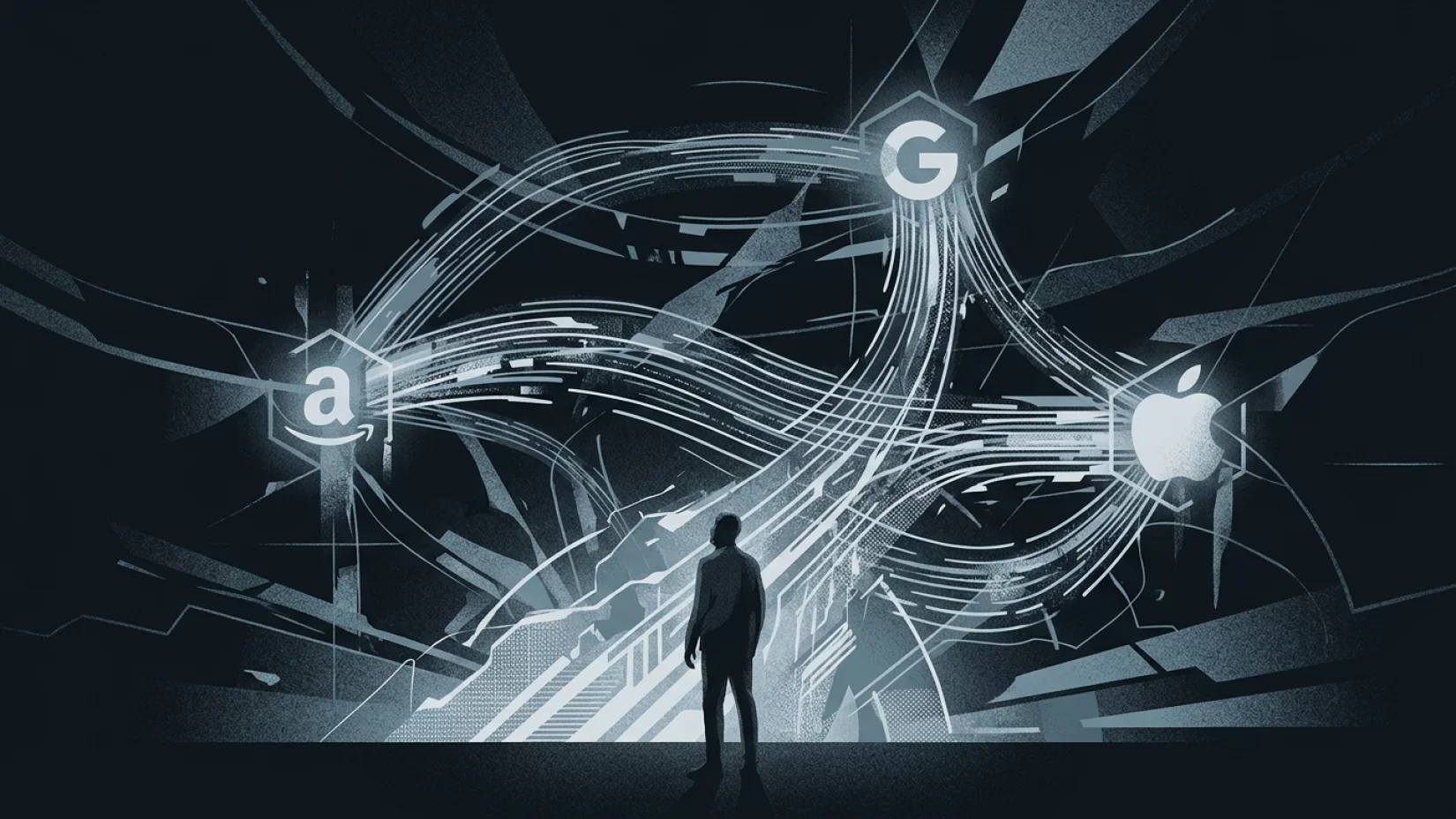
Smart homes are supposed to make life simpler. You can ask Alexa to turn on the lights, tell Google to play your favorite song, or use your iPhone to check who’s at the door. It’s all about convenience—until you realize that connecting Amazon, Google, and Apple accounts doesn’t just make your devices talk to each other. It also creates invisible data highways between tech giants, often carrying more of your personal information than you’d expect. If you’ve ever linked your accounts for that “seamless” experience, it’s worth asking: what exactly are you sharing, and with whom?
This isn’t just a theoretical concern. Real-world incidents have shown that data from smart home devices can leak, get exposed, or end up in the hands of people you never intended. While most people assume these integrations are safe, the reality is more complicated—and the consequences can be surprisingly personal. Let’s pull back the curtain on what’s really happening when you connect your smart home accounts, why it matters, and how you can take back some control.
What Happens When You Link Amazon, Google, and Apple Smart Home Accounts?
When you connect your Amazon, Google, and Apple accounts to your smart home devices, you’re not just making it easier to turn off the lights from your phone. You’re authorizing these companies to share data with each other so that your devices can work together. This integration is what lets you control your Philips Hue lights with Alexa, see your Ring doorbell feed on your Google Nest Hub, or use Siri to adjust your thermostat—even if it’s not an Apple product.
But this convenience comes with a hidden cost: data flows between the companies. Here’s what typically gets shared when you link accounts:
- Device Information: Model numbers, device types, serial numbers, and status (on/off, in use, etc.).
- Usage Patterns: When you use certain devices, what commands you give, and how often you interact with them.
- Voice Recordings: Audio clips of your requests, which may be stored and analyzed to improve voice recognition or for other purposes.
- Location Data: Your home address, precise geolocation, and sometimes even movement patterns within your home.
- Contact Information: Names, phone numbers, and sometimes email addresses—especially if you use features like calling or messaging.
Each company has its own approach, but when accounts are linked, the amount and sensitivity of shared data can increase. For example, Amazon’s Alexa app collects 28 out of 32 possible data points, including precise location and your contacts. Google’s smart home devices aren’t far behind, with 22 out of 32 data points, including voice recordings and browsing history. Apple’s HomeKit is somewhat more conservative, processing most Siri requests directly on the device and minimizing what gets sent to Apple’s servers—but even then, some data must be shared for integrations to work.
Why Most Users Never Realize Their Data Was Exposed
It’s easy to assume that linking accounts just lets your gadgets talk to each other, nothing more. Many people think, “I’m just connecting my lights to my speaker—what’s the harm?” The problem is, these connections often require broad permissions. If you don’t closely read the prompts (and let’s be honest, who does every time?), you might be agreeing to share far more than you realize.
For example, when you link your Amazon Echo with your Google Nest camera, you might be allowing Amazon to access your camera’s video feed or Google to learn when you’re home. This isn’t always spelled out clearly. And if you use a third-party app or service (like a smart plug or a home security system), your data might be routed through yet another company, each with its own privacy policies and security practices.
Most people only discover what’s been shared after something goes wrong—like when Amazon’s Ring app exposed user locations in 2021 or when Google recovered supposedly deleted Nest footage in 2026. By then, it’s too late to take back what’s already been shared.
Misconceptions That Lead to Surprises
- "It’s just basic device info." Many believe linking accounts only shares information about what devices you own. In reality, it often includes voice recordings, location, and usage patterns.
- "My data is anonymized." Some think that any data shared is stripped of identifying details. In practice, much of this data can be traced directly back to you, especially when tied to your accounts and home address.
- "Privacy settings protect me by default." Default settings often favor convenience and broad data sharing. You typically need to dig into settings and manually restrict what gets shared.
Real-World Consequences: More Than Just Annoying Ads
It’s tempting to shrug off these data flows as the price of convenience. But the risks go well beyond targeted advertising. Let’s look at a few real-world scenarios:
- Location Exposure: In 2021, a flaw in Amazon’s Ring Neighbors app exposed users’ precise locations and home addresses. Anyone with access could map out where people lived—an obvious safety concern.
- Data Retention Surprises: In 2026, Google was able to recover supposedly deleted Nest camera footage to aid in a kidnapping case. While this helped law enforcement, it also revealed that your private home footage might not be as deleted as you thought.
- Account Cross-Talk: Linking accounts can mean that a breach or privacy issue in one platform spills over into others. For instance, if your Amazon account is compromised, an attacker could potentially access devices or data from your Google or Apple integrations.
On a personal level, these incidents can cause stress, anxiety, and a sense of lost control. You might worry about who’s seen your private moments, or feel overwhelmed trying to figure out where your data has ended up. And once data is out there, getting it back—or even knowing who has it—can be next to impossible.
What Data Is Actually Shared? A Closer Look
Let’s break down what’s typically shared when you link accounts across Amazon, Google, and Apple smart home devices:
- Voice Commands and Recordings: When you ask Alexa, Google Assistant, or Siri to do something, your request is often recorded and stored. These recordings may be analyzed by humans (yes, real people) to improve the service.
- Device Usage and Automation Data: Every time you turn on a light, adjust the thermostat, or check your camera feed, those actions can be logged. This creates a detailed timeline of your daily routines.
- Location Information: Smart home apps often request access to your location—not just your home address, but sometimes your phone’s real-time GPS data.
- Personal Contacts: If you use features like calling or messaging through a smart speaker, your contact list may be uploaded to the cloud.
This data is not always siloed. Linking accounts can mean that Amazon learns about your Google device usage, or Google gets insights into your Apple HomeKit routines. While companies claim to use this data to improve your experience, it also gives them a much deeper look into your life than most people would ever knowingly allow.
Why These Data Flows Matter Even If You "Have Nothing to Hide"
It’s common to hear, “I’m not doing anything wrong, so why should I care?” But privacy isn’t just about hiding secrets—it’s about controlling your own information. Here’s why these data flows are worth your attention:
- Profiling: The more companies know about your routines, preferences, and movements, the more detailed a profile they can build. This profile can be used for targeted advertising, but also for more intrusive purposes.
- Third-Party Data Sharing: Your data might not stay with Amazon, Google, or Apple. It can be shared with partners, advertisers, or even law enforcement—sometimes without your direct knowledge.
- Security Risks: Every additional connection is another potential vulnerability. If a hacker breaches one company, they could access data from others through linked accounts.
- Loss of Control: Once data is shared, it’s hard to track or delete. You may not be able to fully erase recordings or usage logs, even if you try.
Even if you trust these companies, mistakes happen. Data can be exposed through bugs, poor security practices, or human error. And as past incidents show, the impact can be deeply personal.
Five Steps That Actually Reduce Your Risk
So, what can you do if you want the benefits of a smart home without handing over more data than necessary? Here are five practical steps to limit your exposure:
- Audit Your Linked Accounts: Go through your Amazon, Google, and Apple account settings. See which devices and services are connected. Remove any you no longer use or don’t recognize.
- Adjust Privacy Settings: Each platform has privacy controls—use them. For example, you can tell Alexa or Google not to save voice recordings, or limit location sharing to "while using the app." Don’t rely on default settings; they’re usually set to maximize data collection.
- Be Selective With Integrations: Only link accounts or devices that you really need to work together. The fewer connections, the less data that flows between companies.
- Regularly Review Data Access: Check the privacy dashboards on each platform to see what data is being collected. Delete old recordings or usage logs if possible. Set reminders to do this every few months.
- Consider Privacy-First Alternatives: If privacy is a top concern, look for smart home products that minimize data sharing. Apple’s HomeKit, for example, processes most data locally. Some independent brands also offer privacy-focused devices, though they may sacrifice some convenience.
It’s not about going off the grid—it’s about making informed choices and not giving away more than you’re comfortable with.
Are Smart Homes Always a Privacy Nightmare?
Not necessarily. Smart home technology can be used responsibly, and there are ways to enjoy the convenience without giving up all your privacy. Apple, for instance, has made privacy a selling point for HomeKit, processing most Siri requests on your device rather than in the cloud. Google and Amazon offer some privacy controls, but you’ll need to put in the effort to find and use them.
What’s clear is that the industry as a whole has prioritized convenience and data collection over privacy by default. Until regulations catch up or companies change their practices, the responsibility falls on you to manage your settings and understand what’s being shared.
Broader Implications: The Future of Smart Home Privacy
As smart homes become more common, the lines between convenience and privacy will only get blurrier. Companies are pushing for more integration, not less. The more your devices work together, the more data flows behind the scenes. That’s why it’s so important to stay informed and proactive.
Think of your smart home like your physical home: you wouldn’t leave the front door wide open just because it’s easier to come and go. In the same way, linking accounts and devices should be a conscious decision, not an automatic one. Review what you’re sharing, adjust your settings, and don’t be afraid to disconnect services that don’t respect your privacy.
Ultimately, you deserve both convenience and control. With a little effort, you can have a smart home that works for you—without giving away the keys to your digital life.
Risk Level: High
Given the sensitivity and amount of data shared between Amazon, Google, and Apple when smart home accounts are linked—and the lack of universal protections—the risk to your privacy is high. This isn’t about scaring you away from smart homes, but about encouraging you to take your digital security as seriously as you do your physical security. Stay informed, stay cautious, and make choices that fit your comfort level.