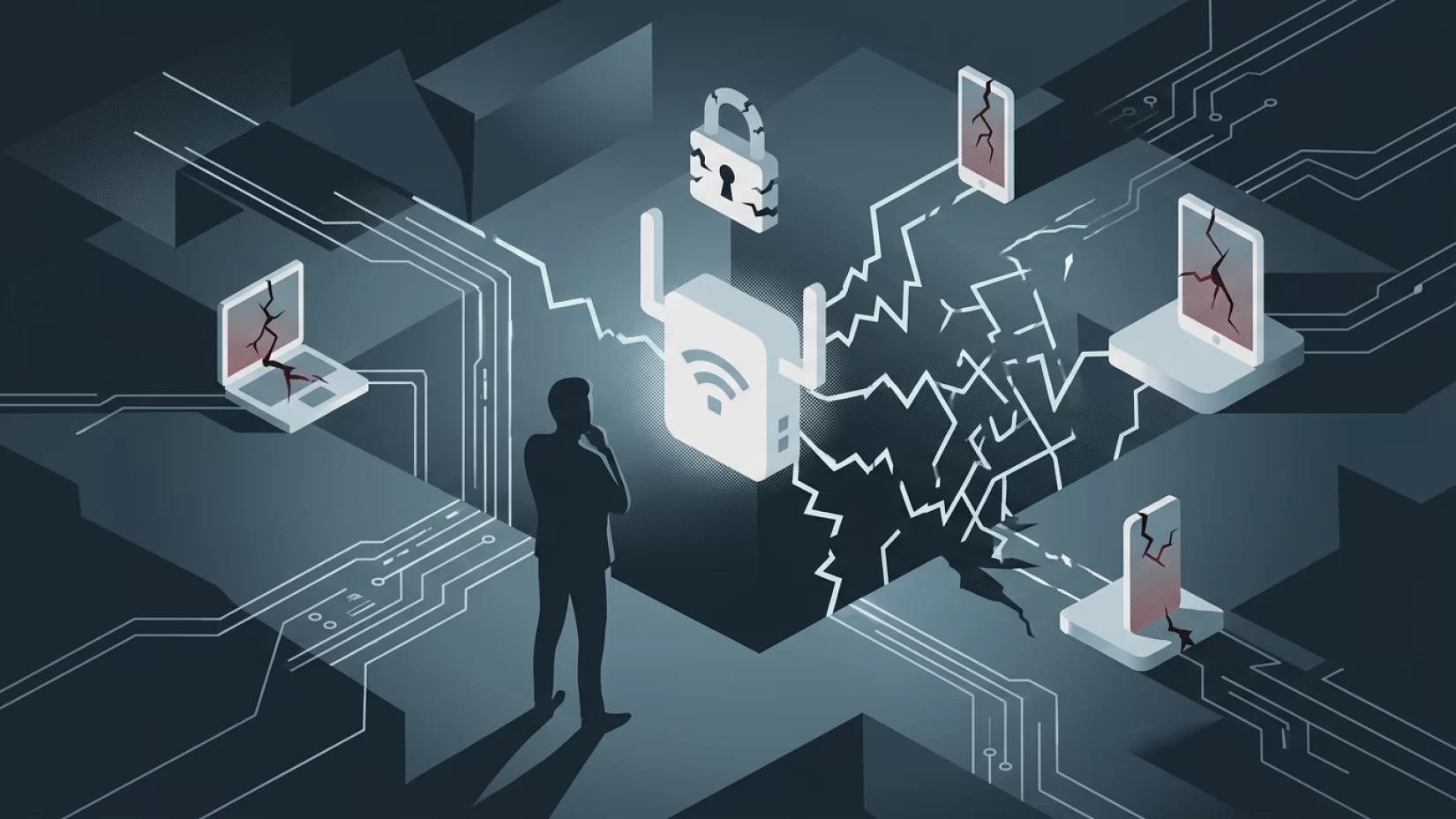
Walk around most homes these days and you’ll see the telltale sign of a Wi-Fi range extender plugged into a hallway outlet or perched on a bookshelf. They’re sold as the answer to dead zones, promising a stronger connection for your smart TV in the basement or your work laptop on the patio. But here’s something few people realize: these handy devices, often called Wi-Fi boosters or repeaters, can quietly open up a major security gap in your home network. If you’ve never thought about the security of your Wi-Fi extender, you’re far from alone—but that doesn’t make the risk any less real.
Recent research shows that millions of these devices, including well-known brands like TP-Link, Netgear, and Zyxel, suffer from vulnerabilities that attackers are actively exploiting. Some flaws are so old they predate smartphones as we know them, yet manufacturers still haven’t patched them. The result? Your Wi-Fi extender might be the weakest link in your digital life, giving cybercriminals a backdoor into everything you do online at home. Let’s break down what’s going on, why it’s a problem, and—most importantly—how you can protect yourself.
Why Wi-Fi Range Extenders Are a Hidden Security Weak Spot
Wi-Fi range extenders work by picking up your router’s signal and rebroadcasting it further, helping you stay connected in rooms where the main Wi-Fi can’t reach. On the surface, that sounds harmless. But here’s the catch: every device you add to your home network is another door that needs to be locked. Extenders are no exception. Unfortunately, many of them are shipped with weak default settings, outdated software, and features that attackers can easily exploit if left unchecked.
Unlike your smartphone or laptop, which prompt you for updates and security patches, most Wi-Fi extenders quietly sit in the background. Out of sight, out of mind. Manufacturers don’t always prioritize updates for these devices, and many consumers never think to check for them. This leaves a wide-open opportunity for anyone looking to sneak into your digital home.
Real-World Attacks: Not Just Theoretical
Let’s get specific. In 2024, researchers found serious vulnerabilities in several Netgear Wi-Fi extenders, including popular models like the EX6120, EX6100, and EX3700. These flaws (tracked as CVE-2024-35518 and CVE-2024-35519) allowed attackers to remotely inject commands into the device. In simple terms, a hacker could take control of your extender—without you even knowing—if you hadn’t installed the latest patch. Netgear did release updates, but only users who checked for and applied them were protected.
Zyxel, another major brand, faced similar issues in 2024. Their extenders had vulnerabilities that could let attackers cause the device to crash (a denial of service) or run malicious code. Again, patches were released, but only for certain models and only if users took action.
The most worrying example is the so-called "Pixie Dust" exploit. First discovered in 2014, this flaw affects the WPS (Wi-Fi Protected Setup) feature found in many routers and extenders. It lets attackers retrieve the device’s WPS PIN, giving them access to your Wi-Fi network without needing your actual password. As of 2025, researchers found that 13 devices from major brands—including TP-Link and Netgear—were still unpatched, and seven had reached end-of-life with no fixes ever released. Some devices took nearly a decade to get patched, if they were fixed at all.
Why Millions of Users Never Realize Their Data Was Exposed
Most people assume that if their internet is working, everything’s fine. Few realize that a vulnerable extender can quietly let someone else onto their network. Attackers don’t need to be inside your house—they just need to be within range of your Wi-Fi signal, which these extenders are designed to spread even further.
Once inside, a hacker can do much more than just use your internet. They might intercept your online banking details, steal passwords, or spy on your web traffic. They could use your network as a launching pad for attacks on others, potentially getting you in trouble for something you didn’t do. And in many cases, there are no obvious signs that anything is wrong. No pop-ups, no error messages, just business as usual—except someone else is quietly watching or using your connection.
Common Myths and Dangerous Assumptions
- "My Wi-Fi extender is from a big brand, so it must be secure." Unfortunately, even well-known companies like TP-Link, Netgear, and Zyxel have shipped vulnerable devices and sometimes failed to patch them promptly—or at all.
- "If my network uses a strong password, I’m safe." Not always. Some attacks (like the Pixie Dust exploit) bypass your main Wi-Fi password entirely by targeting WPS, a feature many people never use or think about.
- "Only advanced hackers would care about my home network." Automated tools make it easy for even low-skilled attackers to scan for and exploit vulnerable extenders. If your device is on the list, you’re a target—no matter how ordinary your life seems.
- "If there was a problem, I’d hear about it from the manufacturer." In reality, many companies don’t proactively notify users about security issues, especially for older models. You’re often on your own to check for updates and fixes.
What Attackers Can Actually Do With a Compromised Extender
Let’s put this in everyday terms. Imagine someone sitting in a parked car outside your house, using a laptop. With the right tools, they could exploit a vulnerable Wi-Fi extender and slip onto your network. From there, they might:
- Intercept your web traffic, including emails, passwords, and financial information
- Install malware (malicious software) on other devices in your home
- Use your internet connection to download illegal content or launch attacks on others
- Change your extender’s settings, making it even easier to get back in later
- Disrupt your connection, causing slowdowns or outages
All of this can happen without you ever realizing it. The stress, confusion, and potential financial fallout from these kinds of attacks are very real. Recovering from a breach can mean hours on the phone with banks, resetting passwords, and worrying about what else might have been stolen or tampered with.
Why Manufacturers Deserve Some Blame
It’s not fair to put all the responsibility on consumers. After all, you bought a device expecting it to work—and to be reasonably safe. Yet, the track record of some manufacturers is troubling. The Pixie Dust exploit, for example, has been public knowledge for over a decade, yet many companies failed to patch their products even after researchers alerted them. Some devices reached end-of-life (meaning they no longer receive updates) without ever getting a fix. That’s not just careless—it’s irresponsible.
Firmware supply chains (the systems manufacturers use to distribute updates) are often slow and fragmented. Some brands are better than others, but as a rule, don’t expect timely updates or proactive communication. If a device is old or no longer supported, it’s likely to remain vulnerable forever.
How to Check If Your Wi-Fi Extender Is Putting You at Risk
Don’t worry if you’re not a tech expert—checking your extender’s security is easier than you might think. Here’s what you can do:
- Find your extender’s make and model. This is usually printed on a sticker on the device itself. Write it down.
- Visit the manufacturer’s website. Look for the support or downloads section. Search for your model to see if any firmware updates (software patches) are available.
- Check the firmware version on your device. You can usually do this by logging into the extender’s settings page using a web browser. The instructions are in the manual or on the manufacturer’s site. Compare your version with the latest one online.
- If your device is listed as vulnerable or out-of-date, update it immediately. If no updates are available and your model is known to be affected, consider replacing it with a newer, supported device.
If you’re unsure or can’t find information, reach out to the manufacturer’s support team. Don’t assume no news is good news—take the initiative to check.
Five Steps That Actually Reduce Your Risk
Securing your Wi-Fi extender doesn’t have to be complicated. These steps will make a real difference:
- Update the firmware. This is the most important step. Install any available updates from the manufacturer’s website. Set a reminder to check for updates every few months.
- Change default passwords. Many extenders come with easy-to-guess admin passwords (like "admin" or "password"). Log into the settings and create a strong, unique password.
- Disable WPS and remote management. WPS (Wi-Fi Protected Setup) is convenient but often insecure. Turn it off if you don’t use it. Similarly, disable any remote management features unless you absolutely need them.
- Match your encryption settings. Make sure your extender uses the same Wi-Fi security as your main router—ideally WPA2 or WPA3. Avoid outdated options like WEP.
- Replace unsupported devices. If your extender is no longer receiving updates or is listed as vulnerable, it’s time to upgrade. Look for models with a good track record for security updates.
These steps might take 20 minutes, but they can protect you from months or years of headaches.
If You’re Shopping for a New Extender, What Should You Look For?
When buying a new Wi-Fi extender, don’t just look at speed or range. Pay attention to security features and manufacturer support. Here are some tips:
- Choose brands with a clear history of releasing timely security updates.
- Look for models that support WPA3 encryption.
- Avoid products that rely heavily on WPS for setup.
- Check reviews and forums for reports of unpatched vulnerabilities.
- Ask about the device’s update policy and how long it will be supported.
If a company can’t answer basic questions about security, that’s a red flag.
The Broader Lesson: Every Device on Your Network Matters
Wi-Fi range extenders are just one example of how convenience can quietly undermine security. The more smart devices you add to your home—TVs, cameras, speakers—the more important it is to keep each one updated and secured. Attackers don’t care whether you’re a techie or a technophobe; they care about easy access.
If you take away one thing, let it be this: your home network is only as strong as its weakest link. Don’t let an overlooked extender be the open window in your digital house. Take a few minutes to check, update, and secure your devices. You’ll sleep better knowing you’ve closed the gap.
Risk Level: High
Given that vulnerabilities in Wi-Fi range extenders are actively exploited, many devices remain unpatched, and attackers can gain full access to home networks, the risk is high. The consequences can include data theft, financial loss, and loss of privacy. However, with awareness and a few practical steps, you can dramatically reduce your exposure.