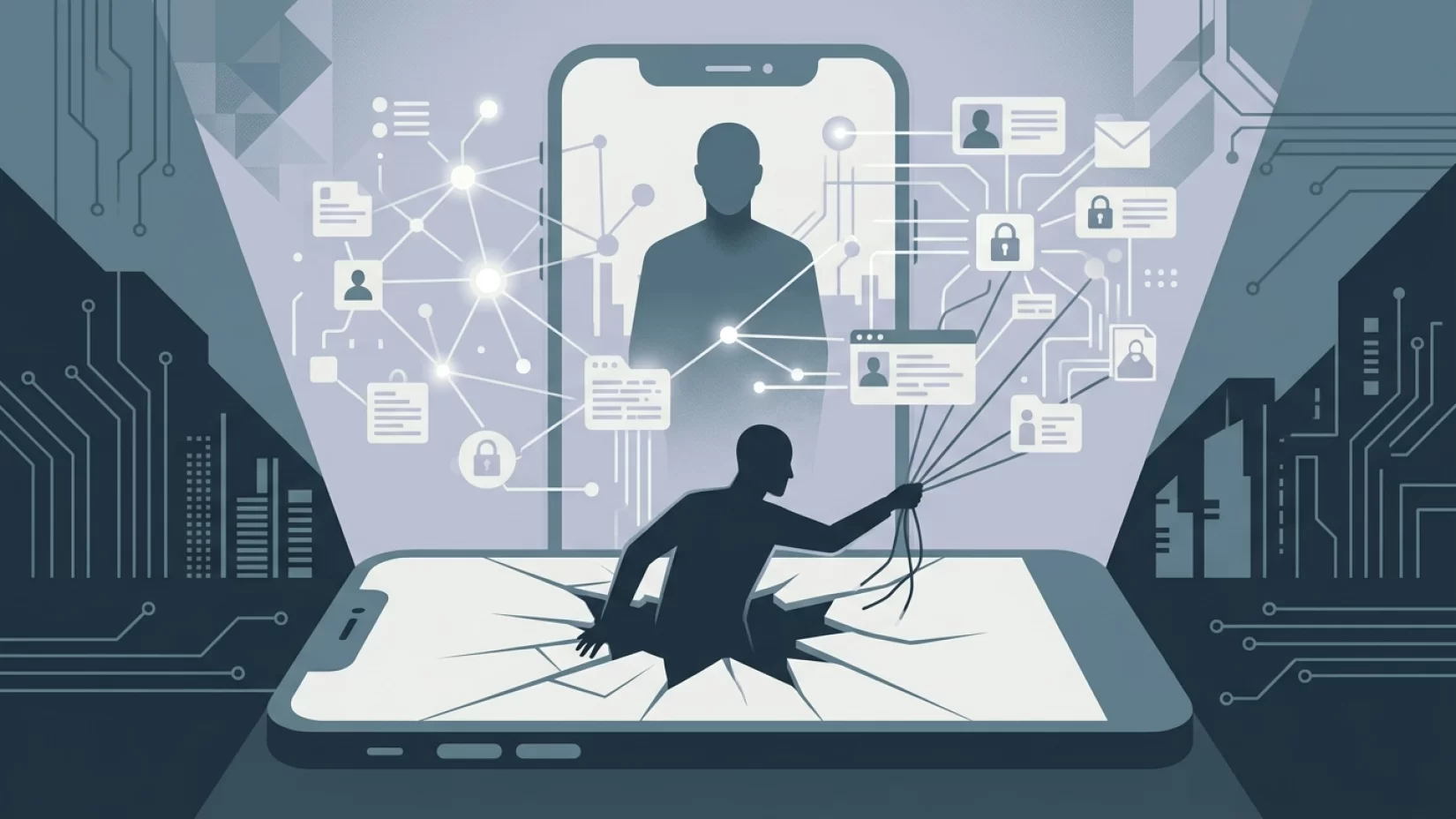
Imagine handing your old phone or laptop to someone else—maybe you’re selling it online, trading it in at a store, or just passing it along to a friend. You’ve deleted your photos, maybe even done a factory reset, and you feel pretty confident your personal information is gone. But what if it isn’t? What if your emails, private photos, or even your banking details are still hidden beneath the surface, waiting for the next owner to discover? This isn’t a far-fetched scenario. Studies show that a surprising number of second-hand devices still contain recoverable personal data, even after their previous owners believed they’d wiped them clean.
This matters more than ever. With millions of us upgrading our devices every year, the resale and recycling market is booming. But so is the risk of our personal information falling into the wrong hands. Identity theft, financial fraud, and privacy violations are real-world consequences of not properly erasing your device. The good news? With the right steps, you can confidently pass on your old tech without leaving your digital life behind. Let’s break down why a simple factory reset isn’t enough—and what you actually need to do to protect yourself.
Why Most People Don’t Realize Their Data Is Still There
It’s easy to trust the built-in “factory reset” or “delete all” option on your phone or laptop. After all, the device warns you that everything will be erased, and the process seems thorough. But here’s what most people don’t know: factory resets often just remove your data from view, rather than wiping it completely. It’s like erasing the table of contents in a book while leaving the pages intact. With the right tools, someone can flip through the pages you thought were gone.
Recent studies back this up. In one experiment, researchers bought 30 used devices online. More than half still contained sensitive data—emails, contact lists, even saved passwords—despite sellers believing they’d wiped them. Another study found that over 40% of second-hand devices had recoverable personal information. The problem isn’t laziness; it’s a widespread misconception about what “reset” actually means.
What’s Really at Risk When You Sell or Give Away a Device
Your phone or laptop holds much more than just photos and texts. Think about the apps you use: banking, shopping, messaging, social media, health trackers, and more. Many of these apps store passwords, authentication tokens, or even payment details locally. If these aren’t properly erased, the new owner could access your accounts—or worse, impersonate you.
Here’s what’s commonly left behind on poorly wiped devices:
- Personal photos and videos (including deleted ones that can be recovered)
- Saved emails and messages
- Contact lists and call logs
- Social media accounts still logged in
- Banking app credentials and payment info
- Work documents and sensitive files
- Browser histories and saved passwords
It’s not just embarrassing—this information can be used for identity theft, blackmail, or fraud. Even if you’re not a celebrity or a CEO, your data is valuable to scammers and cybercriminals.
Why Factory Reset Isn’t the Silver Bullet
Let’s get technical for a moment, but keep it simple. When you delete a file or perform a factory reset, most devices don’t actually overwrite the data. Instead, they mark that space as available for new data. Until something else is saved in its place, the original information can often be recovered with free or cheap software. This is true for both Android and iOS devices, as well as laptops and external drives.
Some manufacturers claim their reset process is secure, but research shows that many devices—especially older models—still leave data recoverable. There’s no universal “patch” for this. You have to take extra steps, especially if you’re selling or donating your device.
Common misconception: “Deleted means gone.” In reality, deleted just means hidden, unless you use secure erasure methods.
Who Is Most at Risk?
This isn’t just a techie problem. If you’ve ever upgraded your phone, traded in a laptop, or given away a tablet, you’re in the risk zone. Millions of people worldwide are affected, from students to grandparents. In fact, the more active you are online—using banking apps, storing personal photos, managing work emails—the more you stand to lose if your data isn’t properly erased.
It’s also worth noting that devices used for work can expose not just your information, but your employer’s too. Handing off a company laptop without a secure wipe could violate workplace policies or even legal requirements.
Real-World Consequences: What Can Actually Happen?
Let’s put this into perspective with a few everyday scenarios:
- Scenario 1: You sell your phone online. The buyer uses a recovery tool, finds your old text messages and photos—including sensitive conversations or family pictures—and uploads them to social media or uses them for scams.
- Scenario 2: You donate a laptop to a charity. A volunteer discovers your saved browser passwords and accesses your email, then resets the password and locks you out. Now, your accounts are compromised.
- Scenario 3: You trade in your tablet at a store. The next owner finds your banking app still logged in and attempts unauthorized transactions.
These aren’t rare horror stories. They’re the logical outcome of devices not being properly wiped. The human impact? Stress, embarrassment, financial anxiety, and a loss of trust in technology. No one deserves that just for being generous or eco-friendly with their old tech.
Debunking Common Myths About Data Deletion
- Myth: "Factory reset means everything is gone." Fact: Not always. Many resets only remove data from view, not from the device’s memory.
- Myth: "If I delete files and empty the trash, nothing can be recovered." Fact: Deleted files are often easily recoverable with basic tools.
- Myth: "Newer devices are immune to this problem." Fact: While some new phones do a better job, it’s not guaranteed. Secure erasure is still your responsibility.
- Myth: "Only hackers can recover my data." Fact: Anyone with a computer and free software can attempt data recovery. It doesn’t take special skills.
Five Steps That Actually Reduce Your Risk
Now for the good news: you don’t need to be a tech wizard to protect yourself. Here’s a step-by-step guide to securely erasing your device before selling, donating, or recycling it:
- Back up your data. Before you erase anything, make sure you’ve saved what you want to keep—photos, contacts, documents. Use a secure cloud service or an external drive.
- Sign out of all accounts. Log out of email, social media, banking apps, and any service that stores personal information. On many devices, you can remove accounts entirely (like iCloud on iPhones or Google on Android).
- Remove SIM and SD cards. Don’t overlook these—they often store contacts, messages, and even photos. Take them out before you do anything else.
- Perform a factory reset. This is still an important step. On most devices, you’ll find this under Settings > System > Reset or similar. Follow the on-screen instructions, but remember: you’re not done yet.
- Use secure erase tools (when possible). For extra protection, especially on laptops and Android phones, use a secure erase tool. These overwrite the device’s storage with random data, making recovery much harder. Some manufacturers offer built-in options (like "Erase All Content and Settings" on iPhones running recent iOS versions), but for laptops and external drives, look for reputable third-party tools recommended by consumer tech sites.
Bonus tip: After erasing, check the device by setting it up as a new user and browsing around. Make sure no personal information remains before handing it over.
What About Laptops and External Drives?
Phones aren’t the only risk. Laptops, USB sticks, and SSDs (solid-state drives) also require careful wiping. Simply deleting files or reformatting the drive isn’t enough. Use a secure erase tool designed for your operating system. For example, Windows has built-in options for wiping drives, and Mac users can use Disk Utility’s "Erase" function with the "Security Options" slider set to the most secure setting. For external drives, many free tools can perform a multi-pass overwrite, which is much safer than a quick format.
Remember: If you’re unsure, a quick search for “how to securely erase [your device model]” from a trusted consumer tech site can guide you. Don’t trust sketchy software or unfamiliar websites—stick to recommendations from well-known sources.
Are Some Devices Safer Than Others?
Newer iPhones and many Android devices use encryption by default. This means that if you perform a factory reset, the encryption keys are destroyed, making it much harder (though not impossible) for anyone to recover your data. Still, it’s smart to combine this with signing out of accounts and removing cards. Older devices, especially those released before 2016, may not have strong encryption, so secure erasure is even more important.
Laptops are a mixed bag. Some have built-in encryption (like BitLocker on Windows or FileVault on Mac), but many don’t. Always check your settings and use secure erase tools when in doubt.
What If You’ve Already Sold or Donated a Device?
If you’re reading this after the fact, don’t panic. Change your passwords for important accounts, especially email, banking, and social media. Monitor your accounts for unusual activity. If you’re especially concerned, let your bank or credit card provider know that your device may have been compromised. It’s not the end of the world, but it’s a good idea to stay alert for a few months.
Why Companies and Platforms Don’t Always Warn You
It’s frustrating, but true: device manufacturers and resale platforms often don’t make secure erasure a priority. Some guides are buried deep in help sections, and trade-in programs rarely explain the risks. This isn’t just careless—it’s irresponsible. Companies should do more to protect consumers, but until they do, the responsibility falls on us. The lack of clear, prominent warnings is a big part of why so many people get caught out.
Final Thoughts: Confidence, Not Fear
Handing over your old device shouldn’t be a leap of faith. With the right steps, you can protect your personal information and pass your tech on with confidence. Don’t rely on factory reset alone—take a few extra minutes to secure your data properly. You’ll save yourself a lot of stress, and you’ll make the digital world a little safer for everyone.
If you’re ever unsure, ask for help or look up a step-by-step guide for your specific device. Your privacy is worth it. And remember: being careful isn’t paranoid—it’s just smart.