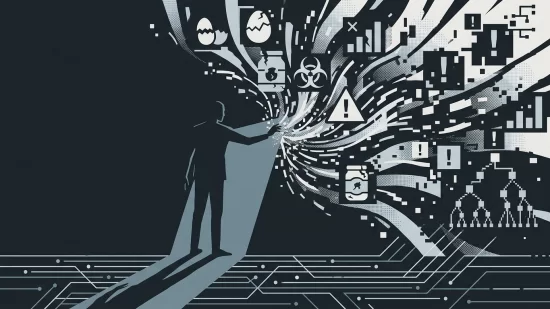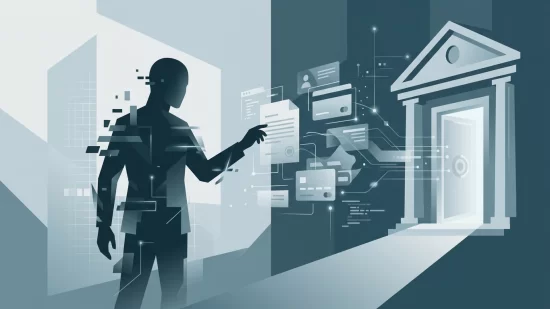
Imagine waking up to a flood of frantic texts from friends, family, or colleagues. They’re worried — or angry. Some say you’ve been hacked. Others are confused by strange requests for money or urgent help, all apparently sent from your email address. You open your sent folder and see dozens, maybe hundreds, of messages you never wrote. The language sounds eerily like you, referencing private jokes or old conversations. But you didn’t send them. An AI bot did.
This isn’t science fiction or some far-off risk. In 2024, AI-powered scams like these are exploding. Criminals use artificial intelligence to break into email accounts, read your contacts and past conversations, and then impersonate you with unsettling accuracy. They target everyone you know, hoping to trick them into sending money, sharing sensitive information, or clicking malicious links. The financial losses are staggering — but the emotional fallout, broken trust, and embarrassment can be just as devastating.
So how do these AI bots take over your email? Why is it so hard to spot their scams? And, most importantly, what can you do to stop it from happening to you and your contacts? Let’s break it down, step by step, with clear answers and practical advice you can actually use.
AI Bots Are Now Expert Impersonators — Here’s What’s Changed
In the past, scam emails were often easy to spot. They were filled with awkward language, spelling mistakes, or bizarre requests. Most people learned to ignore them. But that’s no longer true. Thanks to generative AI (artificial intelligence that can mimic human writing and learn from patterns), today’s scam emails can sound just like you — referencing details only you and your contacts would know.
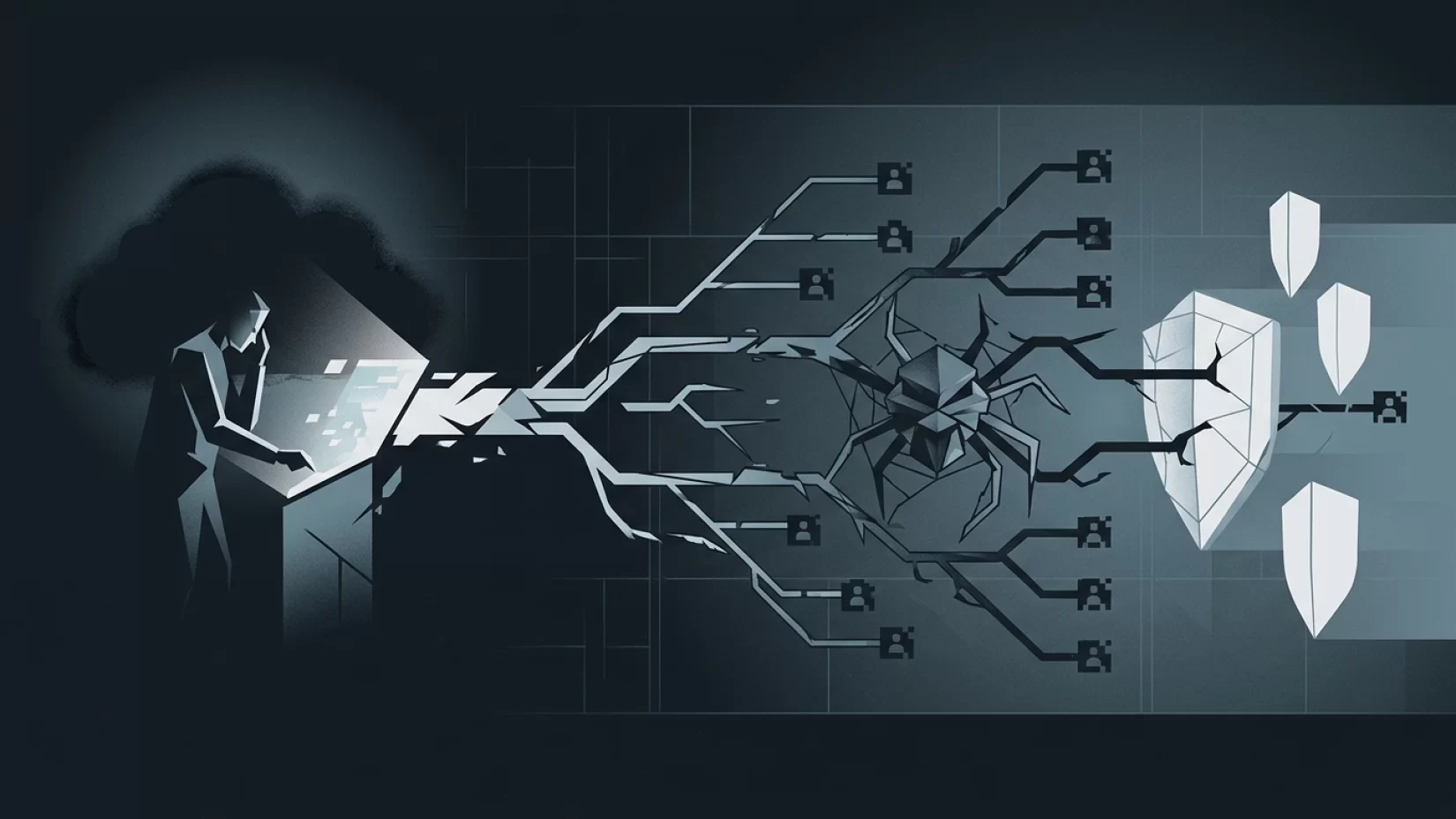
Here’s how it works: once an attacker gains access to your email account, they let an AI bot loose inside. This bot scans your messages, learns your writing style, and builds a map of your contacts and relationships. It can even pick up on your favorite phrases, sign-offs, and the way you ask for help. Then it crafts scam messages tailored to each recipient, making them far more convincing than the old copy-paste scams of years past.
This isn’t a rare trick. In 2024, the FBI reported over $262 million stolen in account takeover scams, with more than 5,100 complaints in the U.S. alone. And these numbers are climbing fast. According to security researchers, generative AI drove a 1,760% surge in Business Email Compromise attacks over 2023. Everyday users — not just companies — are now squarely in the crosshairs.
Why Millions of Users Never Realize Their Data Was Exposed
One of the most unsettling aspects of AI-driven email compromise is how quietly it can happen. Many victims don’t realize their account has been taken over until it’s too late. Why?
- Stealthy Access: AI bots often log in from locations or devices that don’t trigger obvious alerts. Some even delete warning emails or hide their activity.
- Convincing Scams: Friends and family are more likely to trust a message that sounds exactly like you, so they don’t warn you right away.
- Subtle Manipulation: Some bots wait for the perfect moment — like when you’re traveling or away from your phone — to strike, knowing you won’t respond quickly.
This silence is dangerous. While you go about your day, the bot is busy scamming everyone you know, damaging your reputation and relationships along the way.
AI Email Scams: Not Just a Big Company Problem
Many people believe only businesses or high-profile individuals need to worry about these attacks. That’s simply not true. In fact, everyday users are often easier targets. Why? Large organizations have dedicated security teams and advanced monitoring. Most of us do not.
Families, students, retirees, freelancers, and remote workers are all at risk. If you have an email account and a contact list, you’re a potential target. Criminals don’t care if you have $10 or $10,000 in your account. They’re after access, and their AI bots can scale these attacks to hit thousands of people at once.
One example: in April 2023, hackers exploited a flaw in AT&T’s email system, breaking into users’ accounts and draining cryptocurrency wallets. In October 2024, scammers targeted Gmail users with fake messages about death certificates — a chilling tactic to hijack accounts via the recovery process. These aren’t isolated incidents. They’re signals that no one is too small or too ordinary to be targeted.
What Actually Happens When Your Account Is Taken Over?
Let’s walk through a typical scenario, so you can see the human side of this threat.
- Step 1: The Break-In. Maybe you clicked a fake login link (a phishing attempt), or maybe your password was leaked in a data breach. The attacker gets into your email account.
- Step 2: The AI Bot Takes Over. The attacker runs a bot that reads your emails, learns your style, and maps out your contacts. This usually happens in minutes.
- Step 3: Scam Campaign Launches. The bot sends personalized scam emails to your contacts. They might ask for urgent help, money, or sensitive information. The messages sound just like you.
- Step 4: Fallout. Friends and family may send money, click dangerous links, or give up private info. Some may realize it’s a scam, but others won’t. Your reputation takes a hit, and you may feel embarrassed or guilty — even though it wasn’t your fault.
- Step 5: Aftermath. You may lose access to your account, face financial losses, or spend hours (or days) cleaning up the mess. Trust can be hard to rebuild.
This cycle is exhausting and stressful. Victims often report confusion, anxiety, and a lingering sense of vulnerability — especially if friends or loved ones were scammed in their name.
Why AI-Generated Scam Emails Are So Hard to Spot
It’s tempting to think you’d recognize a scam email, but AI has changed the game. Modern AI bots can:
- Imitate your writing style, including slang, emojis, and inside jokes
- Reference real events or conversations from your inbox
- Target specific contacts with tailored requests (for example, asking your sibling for a loan, or your coworker for sensitive files)
Unlike old-school scams, these messages rarely have obvious red flags. Spelling and grammar are perfect. The tone matches your usual emails. Sometimes, the only clue is a subtle sense that something’s off — maybe the request feels a bit too urgent or out of character.
AI bots also adapt. If a contact responds with suspicion, the bot can switch tactics, offering reassurances or changing the subject. This makes it much harder for your contacts to realize they’re talking to a scammer, not you.
Common Misconceptions That Put You at Risk
- "I’m not important enough to be targeted." Attackers don’t care who you are — they care about access. Anyone with an email account is a potential victim.
- "AI-generated scams are easy to spot." Not anymore. Today’s AI can write like a human, and it learns from your real conversations.
- "Two-factor authentication (2FA) is all I need." 2FA is crucial, but it’s not a silver bullet. Some attackers use clever tricks to bypass it, like intercepting codes or exploiting recovery options. You need more than just 2FA.
Overconfidence is dangerous. The best defense is a layered approach: strong passwords, 2FA, vigilance, and regular account monitoring.
Warning Signs: How to Tell If Your Email Account Has Been Compromised
Spotting a takeover early can make a huge difference. Watch for these warning signs:
- Unfamiliar sent messages or emails you don’t remember writing
- Contacts reporting strange or urgent messages from your account
- Security alerts about logins from unknown locations or devices
- Changes to your account recovery options (like a new phone number or backup email)
- Missing emails or deleted messages you didn’t remove
If you notice any of these, act fast. The sooner you respond, the better your chances of limiting the damage.
Five Steps That Actually Reduce Your Risk
- Use Unique, Strong Passwords for Every Account. Don’t reuse passwords. Consider using a password manager to keep track of them securely. A strong password is long, random, and hard to guess.
- Enable Two-Factor Authentication (2FA). Turn on 2FA for your email and all important accounts. Whenever possible, use an authenticator app (like Google Authenticator or Authy) instead of SMS codes, which can be intercepted.
- Regularly Check Your Account Activity. Most email services let you review recent logins and devices. Look for anything unfamiliar and sign out of sessions you don’t recognize.
- Be Wary of Unsolicited Requests. Even if a message appears to be from someone you know, double-check before clicking links or sending money. If something feels off, verify through another channel (like a phone call or text).
- Educate Your Contacts. Let friends, family, and coworkers know about these scams. Encourage them to be skeptical of urgent requests, even from you.
These steps won’t make you invincible, but they will make you a much harder target — and that’s often enough to send attackers looking for easier prey.
What To Do If You’ve Been Compromised
If you suspect your account has been taken over, don’t panic — but do act quickly:
- Change your password immediately (from a device you trust, not your usual one if you think it’s infected).
- Review and update your account recovery options.
- Sign out of all devices and sessions you don’t recognize.
- Enable or reset two-factor authentication.
- Alert your contacts that your account was compromised and warn them not to trust recent messages.
- Check your sent, deleted, and drafts folders for scam messages.
- Consider running a malware scan on your devices to rule out keyloggers or other threats.
Don’t be embarrassed. These attacks are sophisticated and can happen to anyone. The important thing is to act fast and let others know so they can protect themselves.
Broader Implications: Why This Isn’t Going Away Anytime Soon
The harsh reality is that AI-powered scams are only going to get more convincing and more common. There’s no universal patch or quick fix. While security companies and email providers are working on better defenses, criminals are always looking for new ways in.
This means the responsibility for protection rests heavily on users — ordinary people like you. That isn’t fair, but it’s the world we live in right now. Companies that fail to prioritize security or make it confusing to enable protections deserve criticism. If your provider doesn’t make 2FA easy or doesn’t alert you to suspicious activity, let them know (and consider switching services if possible).
Staying safe online is a team effort. By taking practical steps, staying informed, and helping others understand the risks, you can dramatically reduce your chances of falling victim to these scams. And if something does go wrong, remember: you’re not alone, and you can recover.
Final Thoughts: Confidence, Not Fear
It’s easy to feel overwhelmed by stories of AI bots and digital scams. But knowledge is power. Most attacks succeed because people don’t know what to look for or how to protect themselves. Now you do. With a few smart habits and a healthy dose of skepticism, you can keep your email — and your contacts — much safer from AI-driven scams. Spread the word, stay alert, and don’t let the bots win.