Imagine chatting with your neighbor on your front porch, thinking it’s just a friendly, private conversation. What if, instead, your smart doorbell was quietly recording every word — not just your visitor’s arrival, but the entire exchange, and maybe even the background sounds from the street? For millions of households with devices like Ring, Nest, or Eufy, this isn’t just a hypothetical. Smart doorbells are now a fixture on doors from Boston to Berlin, promising security and convenience. Yet, many people have no idea just how much these gadgets are listening in, how far their microphones reach, or who might end up hearing those recordings. If you value your privacy, or simply want to know what’s happening at your own front door, it’s time to get clear about what your smart doorbell is really capturing — and what you can do about it.
More Than Just Video: What Your Smart Doorbell Actually Records
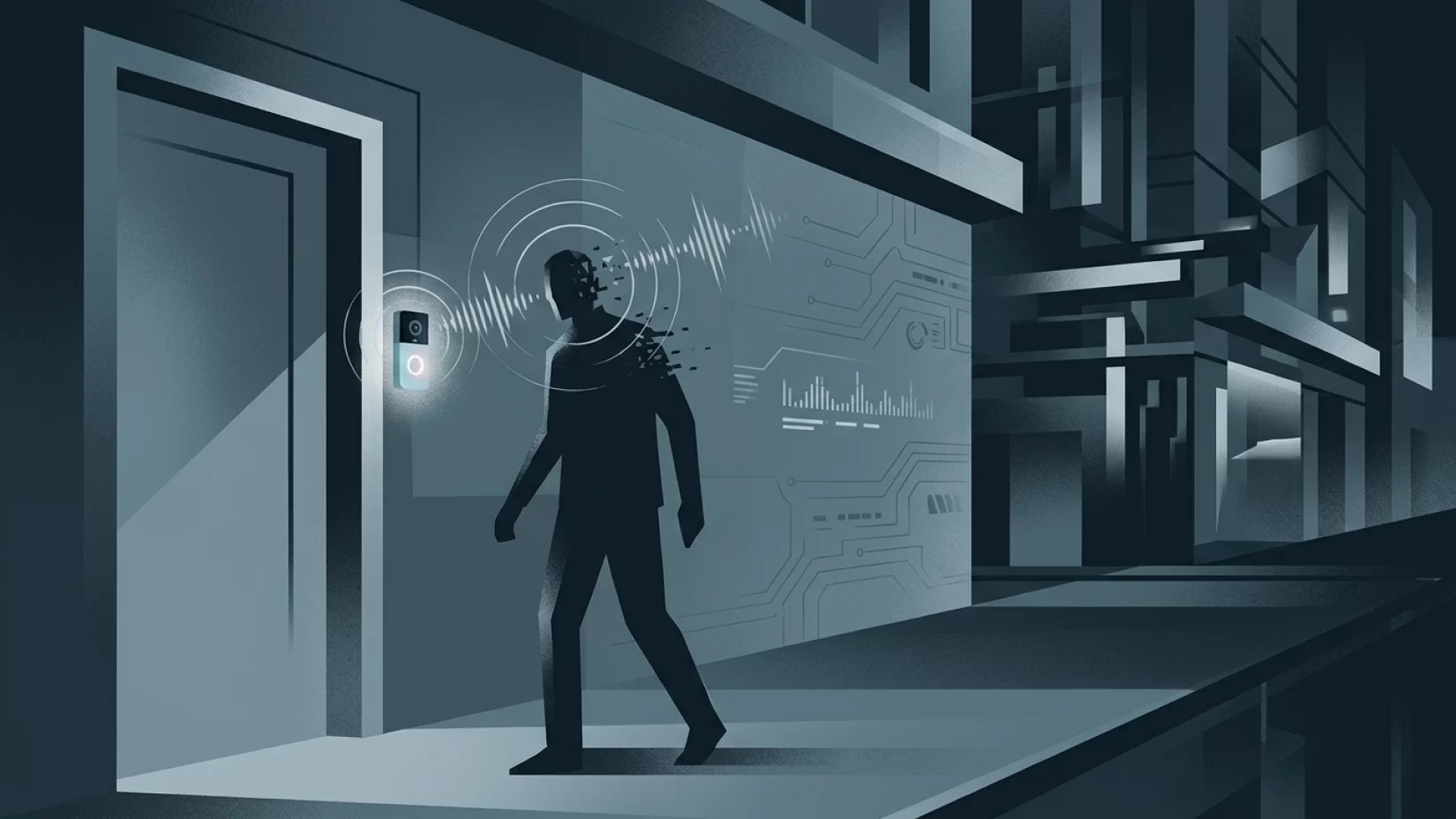
Most people buy a smart doorbell for the video: a way to see who’s at the door, check for packages, or watch for suspicious activity. But nearly all popular models — including Ring, Nest Hello, Arlo, and Eufy — come equipped with microphones that record audio as well. And these aren’t just picking up the person pressing your doorbell. Research shows that many smart doorbells can capture clear audio from up to 30 feet away. That means conversations on your porch, in your driveway, and sometimes even out on the sidewalk can be recorded and stored.
For example, a 2020 study highlighted a real incident where a Ring doorbell recorded a private conversation between neighbors, who had no idea their words were being saved. It’s not just the people you expect — anyone in earshot could be inadvertently recorded. Everyday sounds, deliveries, and private chats can all end up in your device’s memory.
How Long Are These Recordings Kept?
One of the biggest misconceptions is that smart doorbell recordings are deleted quickly, or only kept for a short time. In reality, the storage period depends on your device’s brand and your subscription plan. For example, Ring stores video and audio recordings for up to 60 days in the U.S. (and up to 180 days in some regions) if you have a paid subscription. Nest and Arlo have similar policies, though details can vary. If you don’t pay for a subscription, recordings may be deleted after a few hours or days — but many users opt for these plans to access footage over longer periods.
It’s also worth noting that recordings are often stored in the cloud, not just on your device. This means they’re accessible from your phone or computer, but also potentially vulnerable to hacking or unauthorized access if your account isn’t well protected.
Who Can Access Your Doorbell’s Audio?
Another common myth is that only you, the device owner, can access the recordings. That’s not always true. In 2023, Amazon (which owns Ring) was fined $5.8 million after it was revealed that customer video footage — which includes audio — was not adequately protected from unauthorized employee access. This incident showed that even companies promising privacy can fall short.
Law enforcement access is another area of concern. Until January 2024, U.S. police could request Ring footage directly through the Neighbors app, sometimes without a warrant. After public backlash, Amazon changed its policy: now, police need a warrant to access your Ring doorbell footage. While that’s a step forward, it’s a reminder that your recordings aren’t as private as you might think. Other brands have their own policies, so it’s worth checking what applies to your device.
Why Millions of Users Never Realize Their Data Was Exposed
Most people don’t realize how much audio their doorbell is picking up — or how far the microphone can reach. It’s easy to assume that if you’re not standing right in front of the device, you’re not being recorded. But microphones on these devices are surprisingly sensitive. Sidewalk conversations, arguments in the driveway, or even a delivery person’s phone call can all be captured without anyone noticing.
Many users also assume that if they haven’t shared footage, no one else can see or hear it. But as the Amazon fine showed, vulnerabilities in company systems or careless settings can expose private moments. And if your account password is weak or reused elsewhere, hackers could potentially access your recordings, too.
Everyday Scenarios: What Could Actually Get Recorded?
- Family conversations: Kids chatting with friends, parents discussing weekend plans, or relatives catching up on the porch — all within range of the doorbell microphone.
- Deliveries and service visits: Delivery drivers calling their boss, contractors discussing work, or neighbors having a private word on your doorstep.
- Arguments or sensitive topics: Disagreements, personal discussions, or even medical information could be picked up if they happen near your door.
- Background noise: Traffic, barking dogs, or passing pedestrians — not all of it is private, but it’s still being recorded and stored.
It’s not hard to see how sensitive or embarrassing information could end up in your smart doorbell’s archives — often without anyone realizing it.
Legal Questions: Is Recording Audio at Your Door Legal?
Audio recording laws vary widely depending on where you live. In many places, it’s legal to record video on your property, but audio is a different story. Some regions require the consent of all parties being recorded (called "two-party consent"), while others only require one person’s consent ("one-party consent").
If your doorbell is recording conversations between other people, or even neighbors walking by, you could be violating local laws without knowing it. Some homeowners have faced legal complaints after neighbors discovered their conversations were being recorded. It’s a good idea to check your local regulations, or at least consider posting a visible notice that audio and video recording is in use at your property.
Misconceptions That Put Your Privacy at Risk
- "It only records when someone presses the button." Most smart doorbells record whenever they detect motion, not just when the bell is rung. That means plenty of everyday moments are picked up automatically.
- "Audio isn’t turned on by default." In many cases, audio recording is enabled out of the box. Unless you specifically turn it off, your device could be recording right now.
- "Recordings are deleted quickly." As discussed, recordings can be kept for months, depending on your settings and subscription.
- "Only I can access my recordings." Employees, hackers, or even law enforcement (with a warrant) may be able to access your footage, depending on the company’s policies and your account security.
Five Steps That Actually Reduce Your Risk
- Review your smart doorbell’s audio settings. Open your device’s app (Ring, Nest, Arlo, Eufy, etc.) and look for audio or microphone options. If you don’t need audio, consider turning it off entirely. If you do need it, check if you can limit when it records (for example, only during certain hours or when you’re away).
- Check how long recordings are stored. Find out your device’s default storage period and adjust it if possible. Deleting old recordings regularly reduces the risk of unwanted exposure.
- Secure your account. Use a strong, unique password for your smart doorbell account and enable two-factor authentication if available. This makes it much harder for hackers to get in.
- Stay updated. Keep your device’s software up to date. Manufacturers release updates to fix security flaws and improve privacy, but you’ll only benefit if your device is running the latest version.
- Be transparent with visitors. Consider posting a small sign or sticker letting people know that audio and video recording are in use. This isn’t just polite — in some places, it’s required by law.
What To Check Right Now: A Quick Guide
- Open your smart doorbell app and navigate to device settings.
- Look for “Audio Recording,” “Microphone,” or similar options. Toggle off if not needed.
- Review your video and audio history. Delete anything you don’t want stored.
- Check your subscription plan to see how long recordings are kept.
- Update your password and enable two-factor authentication.
- Look for firmware or app updates and install them promptly.
These steps take just a few minutes but can make a real difference in protecting your privacy.
Broader Implications: When Convenience Meets Privacy
Smart doorbells have changed how we secure our homes, but they’ve also changed what’s considered private space. The line between public and private, between our doorstep and the world outside, is blurrier than ever. Companies have made progress — like Ring’s new warrant requirement for law enforcement — but history shows that privacy isn’t always their first priority. The $5.8 million FTC fine against Amazon is a clear sign that regulators are watching, but it’s ultimately up to you to take control of your own device settings.
For families, students, and anyone with visitors or neighbors, the risks are real but manageable. Unintended recordings can create stress, embarrassment, and even legal headaches. But with a few careful steps, you can enjoy the benefits of a smart doorbell without giving up your peace of mind.
Final Thoughts: Stay Smart, Stay Private
Smart doorbells offer real security benefits — but they’re not just silent sentinels. They listen, record, and remember. By understanding what your device records, how long it keeps those recordings, and who can access them, you can make choices that fit your comfort level. Don’t rely on company promises or default settings. Take a few minutes to check your own device today. Your future self — and maybe your neighbors — will thank you.